Audio Devices
52 User’s Guide
Audio Devices
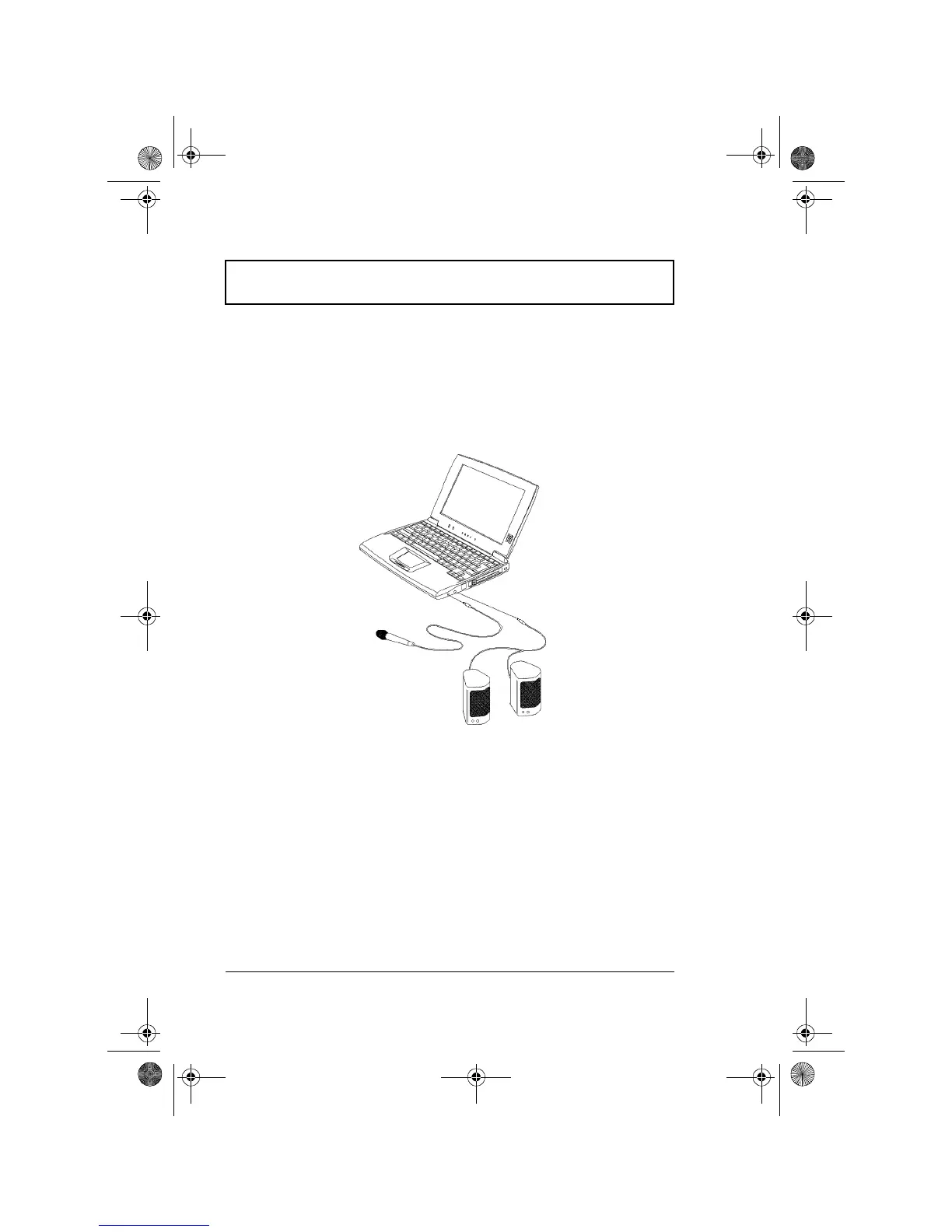
Audio devices are easy to connect with the audio ports
accessible from the right side of the computer. You can
plug in an external microphone or audio line-in device to
the microphone-in jack. Amplified speakers or headphones
connect to the speaker-out jack .
310-e.book Page 52 Tuesday, October 27, 1998 5:17 PM














 To Next Page