External Monitor
46 User’s Guide
External Monitor
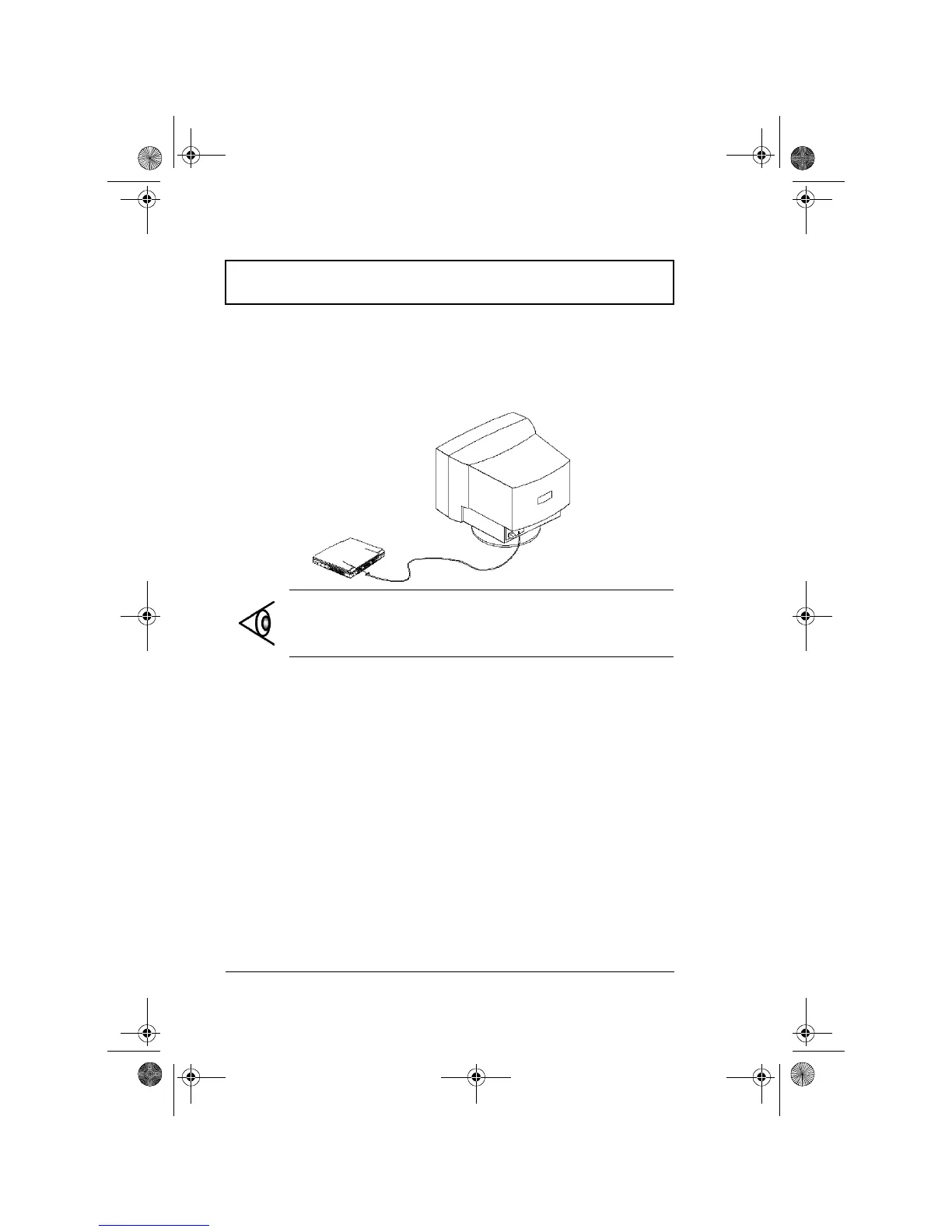
To show graphical effects on a larger display, connect an
external monitor to the CRT port. Read the monitor
manual for additional instructions.
Note: If an external monitor is not connected, closing the
display cover puts the computer into standby mode.
310-e.book Page 46 Tuesday, October 27, 1998 5:17 PM














 To Next Page