USB Devices
Chapter 3 Peripherals and Options 55
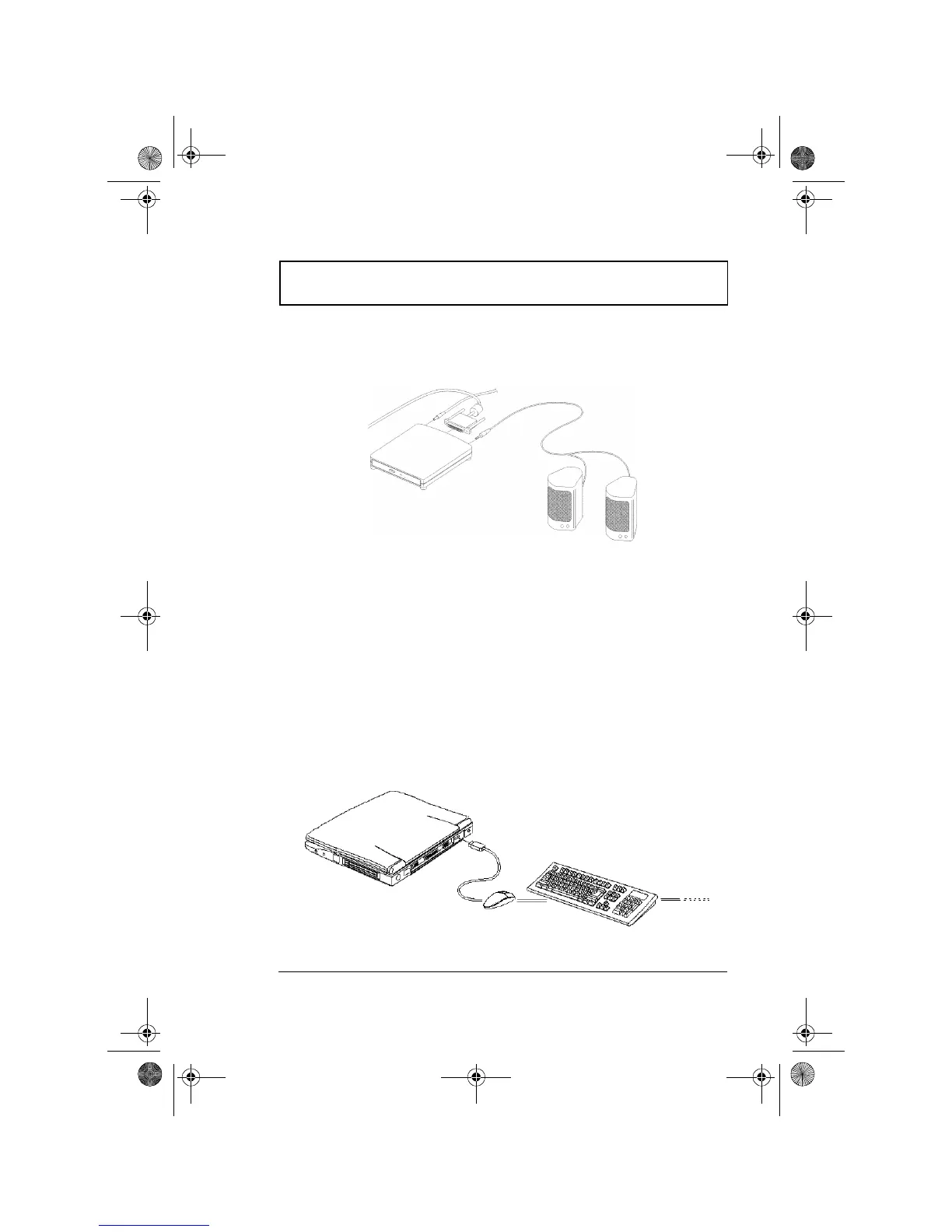
If you want to listen to audio CDs from the external CD-
ROM drive, we advise you to use amplified external
speakers for better quality sound.
For more information about the external CD-ROM, please
refer to its user’s manual.
USB Devices
The computer has a USB (Universal Serial Bus) port that
allows you to connect peripherals without occupying too
many resources. Common USB devices include the mouse
and keyboard.
Most USB devices also include a built-in USB port
connector which allows you to daisy-chain other USB
devices.
310-e.book Page 55 Tuesday, October 27, 1998 5:17 PM














 To Next Page