Ports
Chapter 1 Getting Familiar with your Computer 23
Fax/Data Modem
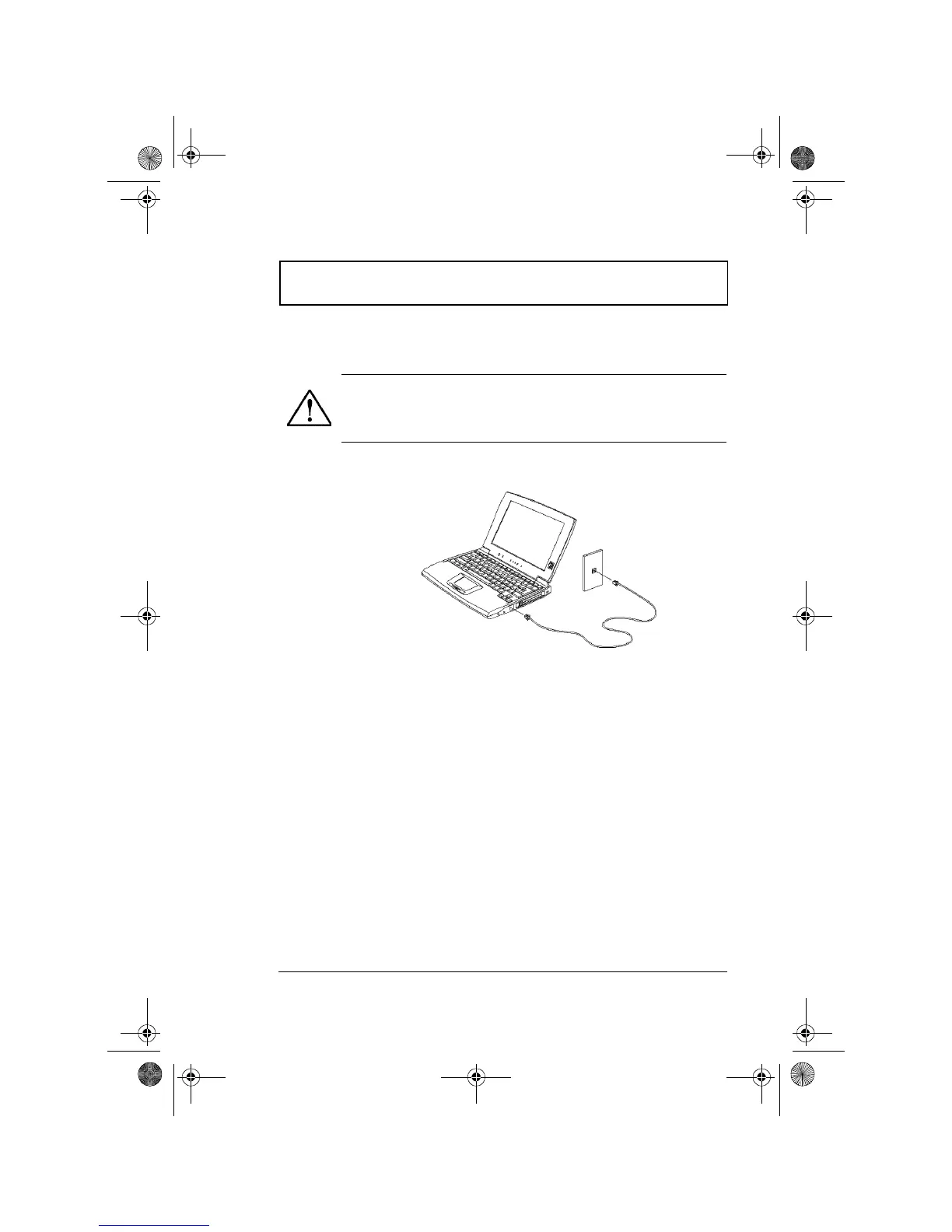
The computer has a built-in fax/data modem.
To use the fax/data modem port, connect a phone cable
from the modem port to a telephone jack.
Start your communications software program. See your
communications manual for instructions.
PC Card Slots
There are two type II/I or one type III CardBus PC Card
slots found on the right panel of the computer. These slots
accept credit-card-sized cards that enhance the usability
and expandability of the computer.
PC Cards (formerly PCMCIA) are add-on cards for portable
computers, giving you expansion possibilities long afforded
by desktop PCs. Popular type II cards include flash
memory, SRAM, fax/data modem, LAN and SCSI cards.
Common type III cards are 1.8-inch ATA drives and cellular
modems. CardBus improves on the 16-bit PC card
technology by expanding the bandwidth to 32 bits.
Caution: This modem port is not compatible with
digital phone lines. Plugging this modem into a
digital phone line will damage the modem.
310-e.book Page 23 Tuesday, October 27, 1998 5:17 PM














 To Next Page