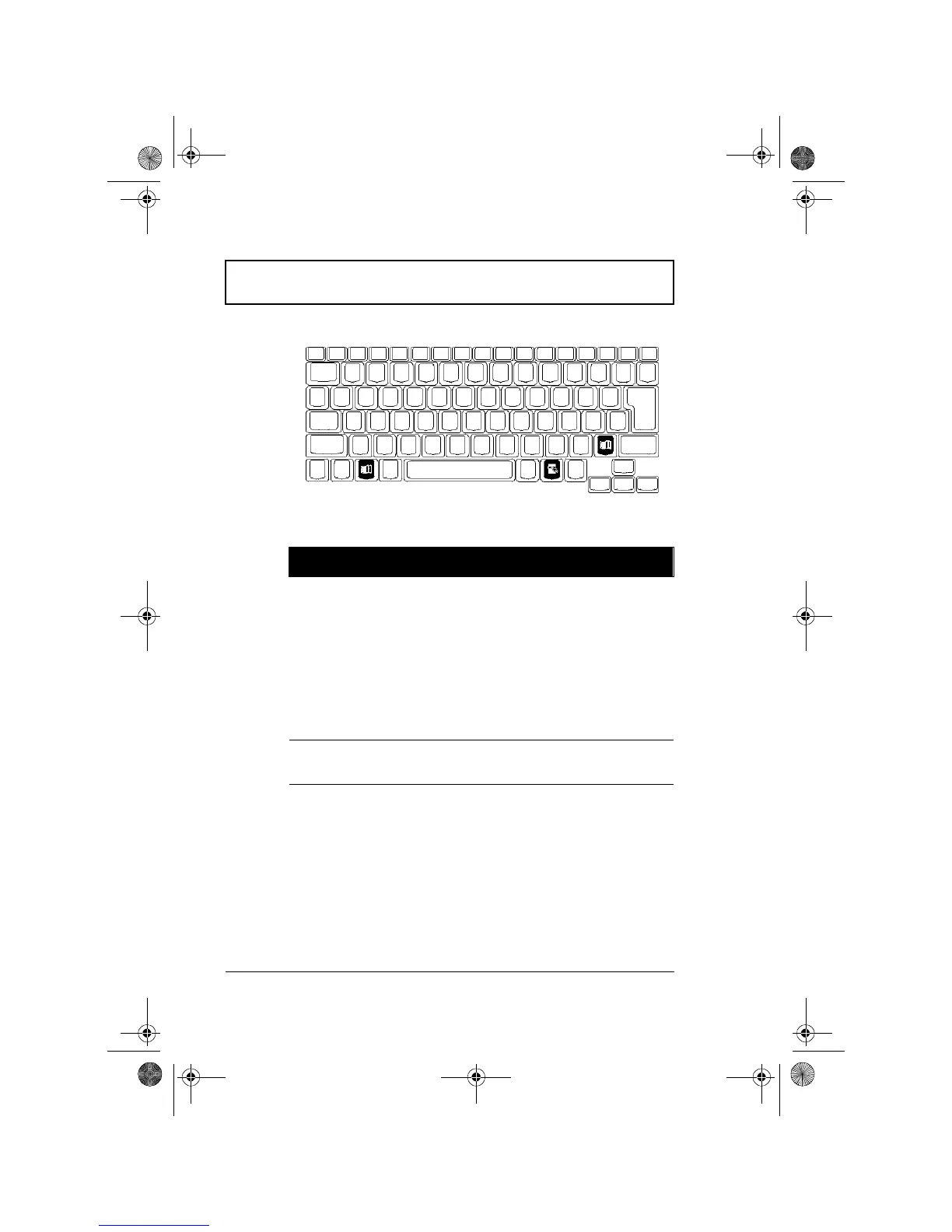
Keyboard
10 User’s Guide
Windows Keys
The keyboard has three keys that perform Windows specific
functions.
Key Description
Windows logo key Start button. Combinations with this key
perform special functions. Below are a few
examples:
ÿ
+ Tab (Activate next Taskbar button)
ÿ
+ E (Explore My Computer)
ÿ
+ F (Find Document)
ÿ
+ M (Minimize All)
Shift +
ÿ
+ M (Undo Minimize All)
ÿ
+ R (Display Run dialog box)
Application key Opens the application’s context menu
(same as right-click).
310-e.book Page 10 Tuesday, October 27, 1998 5:17 PM














 To Next Page