Notebook Manager
Chapter 5 Software 75
❑ IDE Hard Drive
Simply drag and drop the devices to change the booting
order. Click on Apply to accept the sequence.
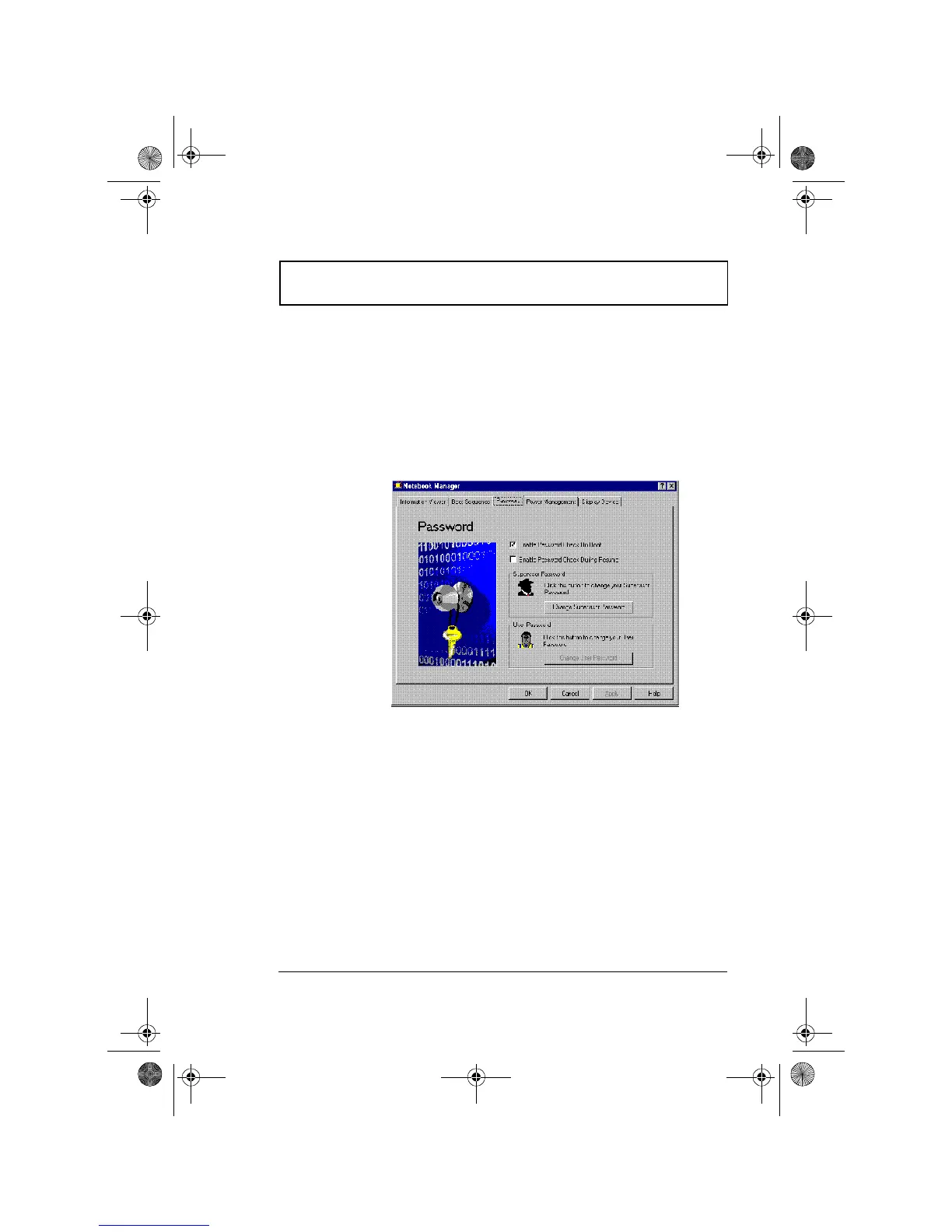
Password
Password is used to set, modify or delete the password(s) for
your computer.
There are two passwords used in the system:
❑ Supervisor Password. The supervisor password
prevents unauthorized access to sensitive parameters in
the Notebook Manager and BIOS Utility. It also prevents
unauthorized access to your computer at system startup
and at resume from standby/hibernation mode.
❑ User Password. The user password prevents
unauthorized access to your computer at system startup
and at resume from standby/hibernation mode.
310-e.book Page 75 Tuesday, October 27, 1998 5:17 PM














 To Next Page