Printer
Chapter 3 Peripherals and Options 51
Printer
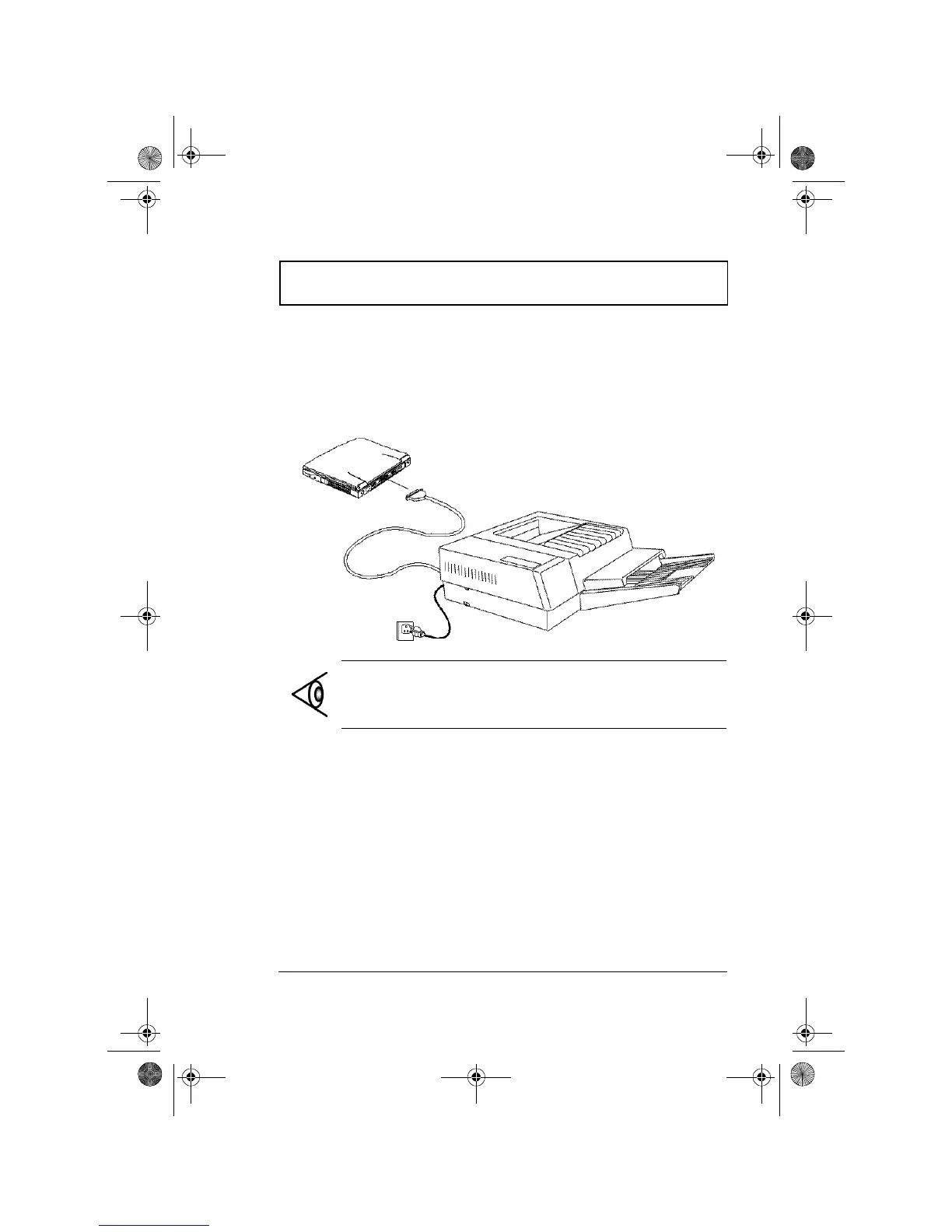
This computer supports both serial and parallel printers.
For a serial printer, plug the printer cable into a serial port.
For a parallel printer, plug the printer cable into the parallel
port. See your printer manual for operating instructions.
Note: If the printer does not function, enter Setup and
verify that the parallel port is enabled. See “Advanced” on
page 86 for assistance.
310-e.book Page 51 Tuesday, October 27, 1998 5:17 PM














 To Next Page