Viper 4040 User Manual
Revision 3.01, Oct 2012 18 Miscellaneous Items – 18-3
“Sensor Setup” screen and show the complete information currently in memory for the
selected sensor.
18.1.1.1. – Add or Edit Sensor
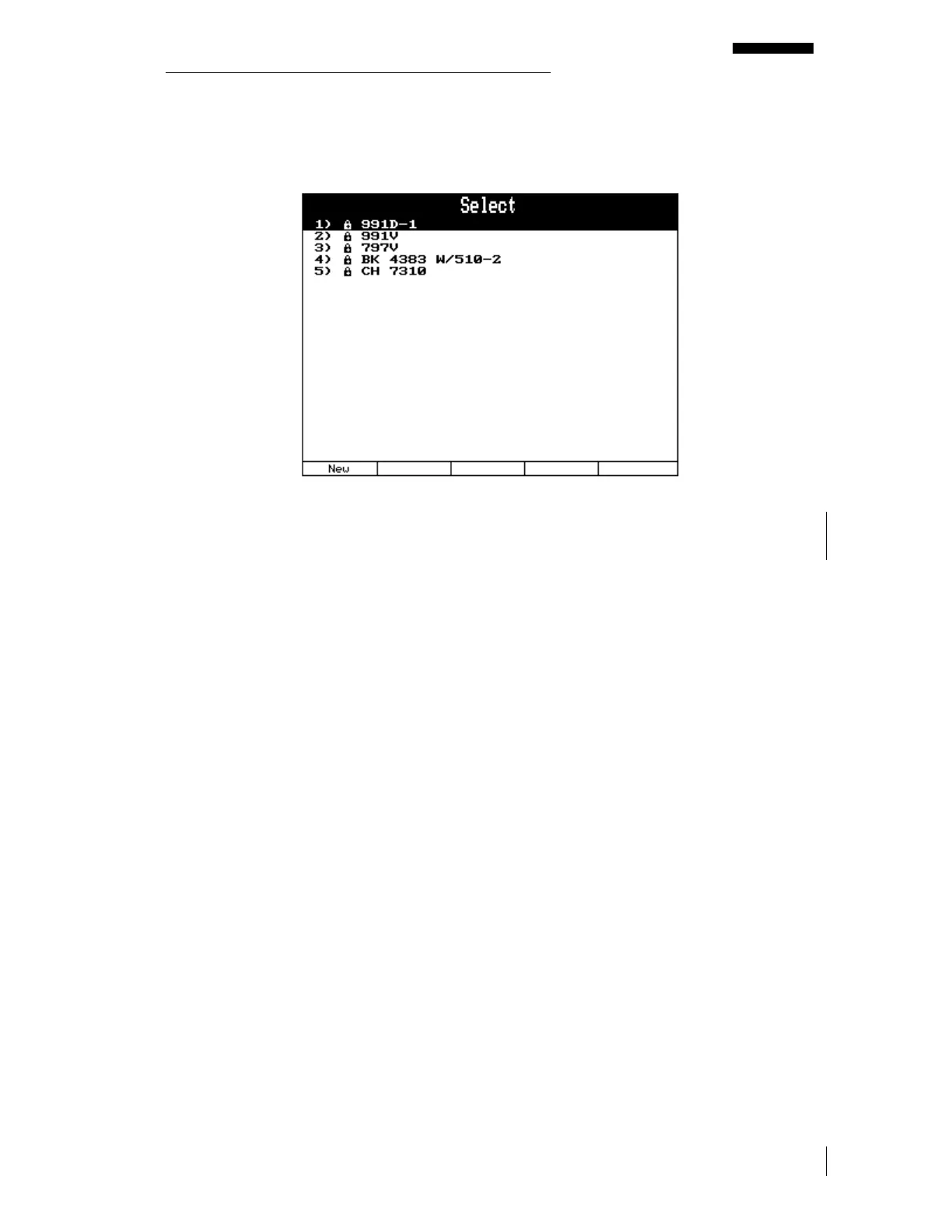
Names for some industry-standard sensors have already been preloaded into the analyzer at
the factory and appear with a small padlock to the left of the name. The default sensor list
cannot be edited or deleted. If your sensor name appears in the preprogrammed list, you may
not need to proceed further. If your sensor name does not appear, then you must select “Edit”
to add a new sensor name and specifications.
To preprogram a sensor in the analyzer’s memory, you will need the following sensor
specifications which should be available from the data sheet supplied with your sensor.
1. The sensor’s model or name that will be familiar to you and other users.
2. The sensor’s amplitude units sometimes called EU or engineering units. This will be
expressed in one of the following formats: g’s (for equivalent gravities), IPS (Inches Per
Second), mm/sec (millimeters per second), cm/sec (centimeters per second), mils (1000
th
of an inch), microns (1,000,000
th
of a meter), ubars, Pascals, Volts, m/s/s (meters per
second per second), cm/s/s (centimeters per second per second), db (decibels), or Special.
3. The sensor’s sensitivity. This is normally expressed in mV per engineering unit, as
described above. For instance, if using the model 991D –1 accelerometer, its engineering
unit is in gs and it produces 20 mV for every g of force exerted on it, therefore its
sensitivity is 20 mV/g.
To add a sensor or to edit the specifications for an already programmed unlocked sensor, do
the following:
1. Select “Miscellaneous Items” from the Main Menu banner screen.



 To Next Page