― 11 ―
136.0
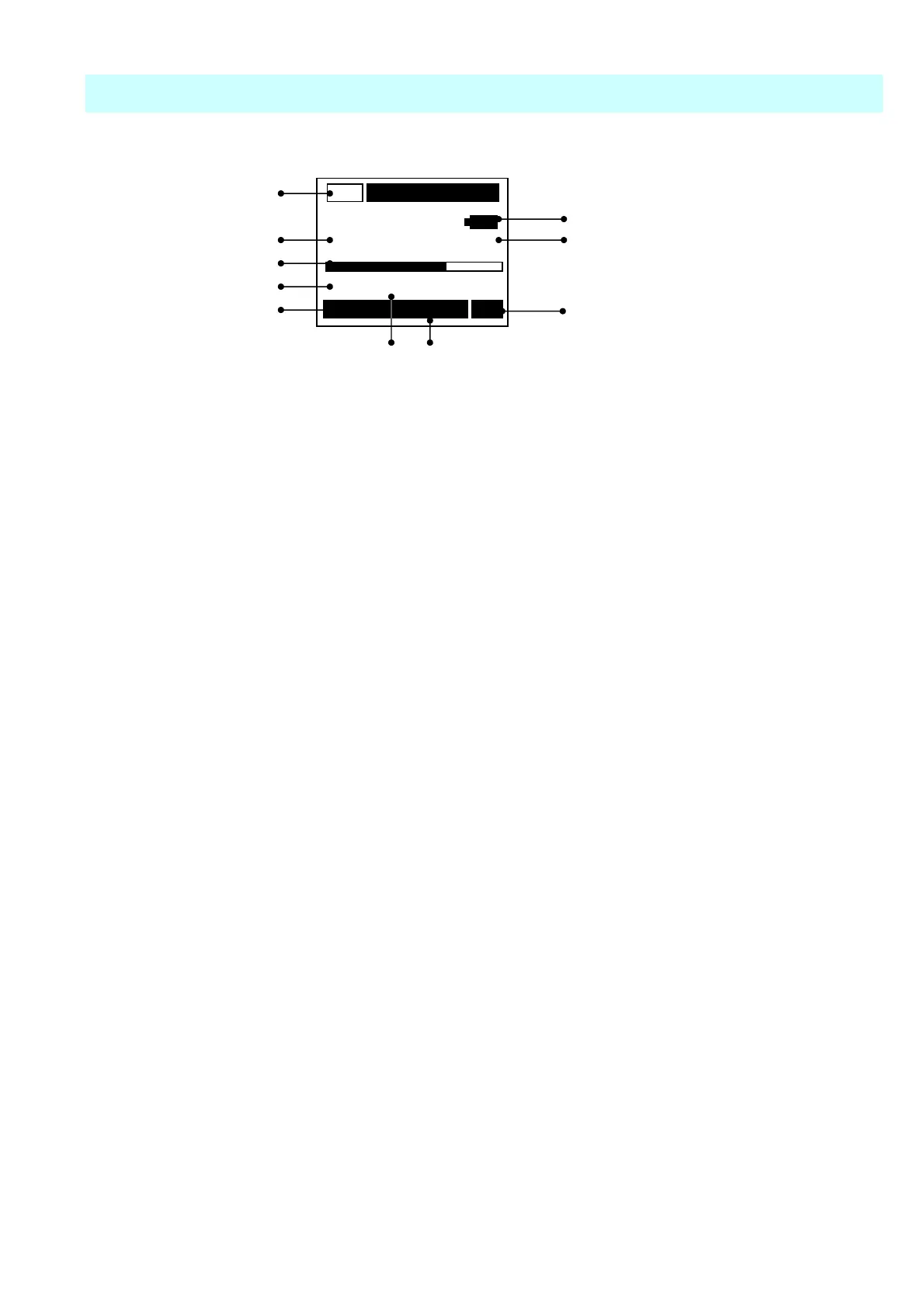
Description of Screen
Standard screen
①
AC
⑧
②
m/s
2
⑨
③
④
0 Range 200
⑤
000/000 RMS
⑩
⑥ ⑦
① Output Mode
Display the Output mode of Headphone output terminal on the base.
AC :Waveform output
Level ADJ :Headphone output -3,-2,-1,0,+1,+2,+3
A waveform signal is outputted when Menu 3/3 Moni / Level is “AC”. Moreover, you can act as
the monitor of the vibration value which plug adapter PC-260MS connect with portable
headphone ATH-FC5 BK of an option at the time of a level ADJ "-3 and –2・・・・+3".
② Data display
Displays the present value by digital value in intervals of approx.1second or 2seconds.
Select with Menu 3/2 Disp Time.
③ Bar display
Displays the present momentary value with a bar.
The bar displays the value of the displayed data in intervals of approx. 0.1 seconds.
④ Range display
Displays the range set with the
Range
key.0 ― 20,0 ―200(Displacement Mode ; 0 ― 200,
0 ―2000).
⑤ The number of the record data display
Displays the number of the record data 001~256.
⑥ Selected Mode display of cursor button
Displays the variable mode by cursor button
Range :Change Level Range
0 ― 20,0 ―200(Displacement Mode ; 0 ― 200,0 ―2000)
Peak/RMS :Change Display Mode
RMS ;True Effective value
Peak ;waveform amplitude value
EQPeak ;RMS×√2
EQp-p ;RMS×√2×2(only Displacement)
Mode :Changes Measurement Mode
m/s
2
;Acceleration(ACC)
mm/s ;Velocity(VEL)
μm ;Displacement(DISP)



 To Next Page