― 25 ―
136.0
Display of a state
The recording number
136.0
Display of a state
< Change of the Detector >
1)When you want to change the mode and measure,(
RMS/PEAK
)、display the "
Peak/RMS
" by
the command selection cursor button , and changes by the cursor button .
Whenever it pushes, the mode changes with
RMS
→
Peak
→
EQPeak
→
RMS
.
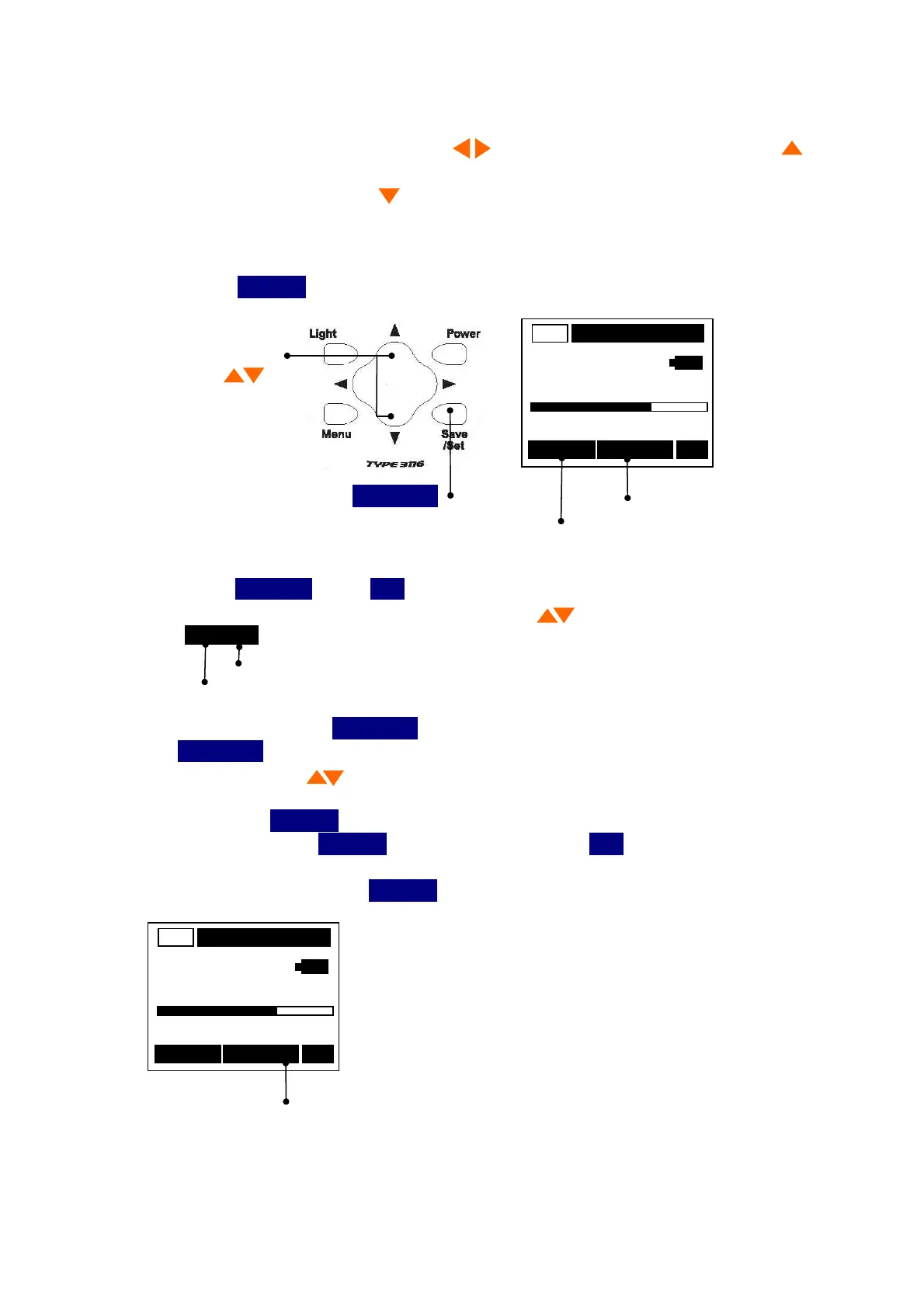
2)It is pressing cursor button and display can be Hold(ed) to fix a display value.
A key is pressed again to acquire the value again.
Data Recording
It is inputting
Save/Set
and can record at any time to record data.
AC
Cursor button
m/s
2
0 Range 200
016/016 Save RMS
Save/Set
1)Push the
Save/Set
blinks
Save
.
2)Select the recording number with cursor button .
016/016
Total data
The recording number
3)It will be recorded if
Save/Set
is pushed again (a Save display disappears).
If
Save/Set
is pushed continuously, it will be recorded on the newest number. Movement
with cursor button is restricted to a number
[ finishing / record ].
* Long-press the
Save/Set
button for 1 sec or more. "Save" usually blinks.
Uncommonly, when
Save/Set
button is lightly pushed,
Save
operation in the liquid crystal
display part might become unstable.
In this case long-press the
Save/Set
button for 1 sec or more.
AC
m/s
2
0 Range 200
016/016 Save RMS



 To Next Page