― 26 ―
136.0
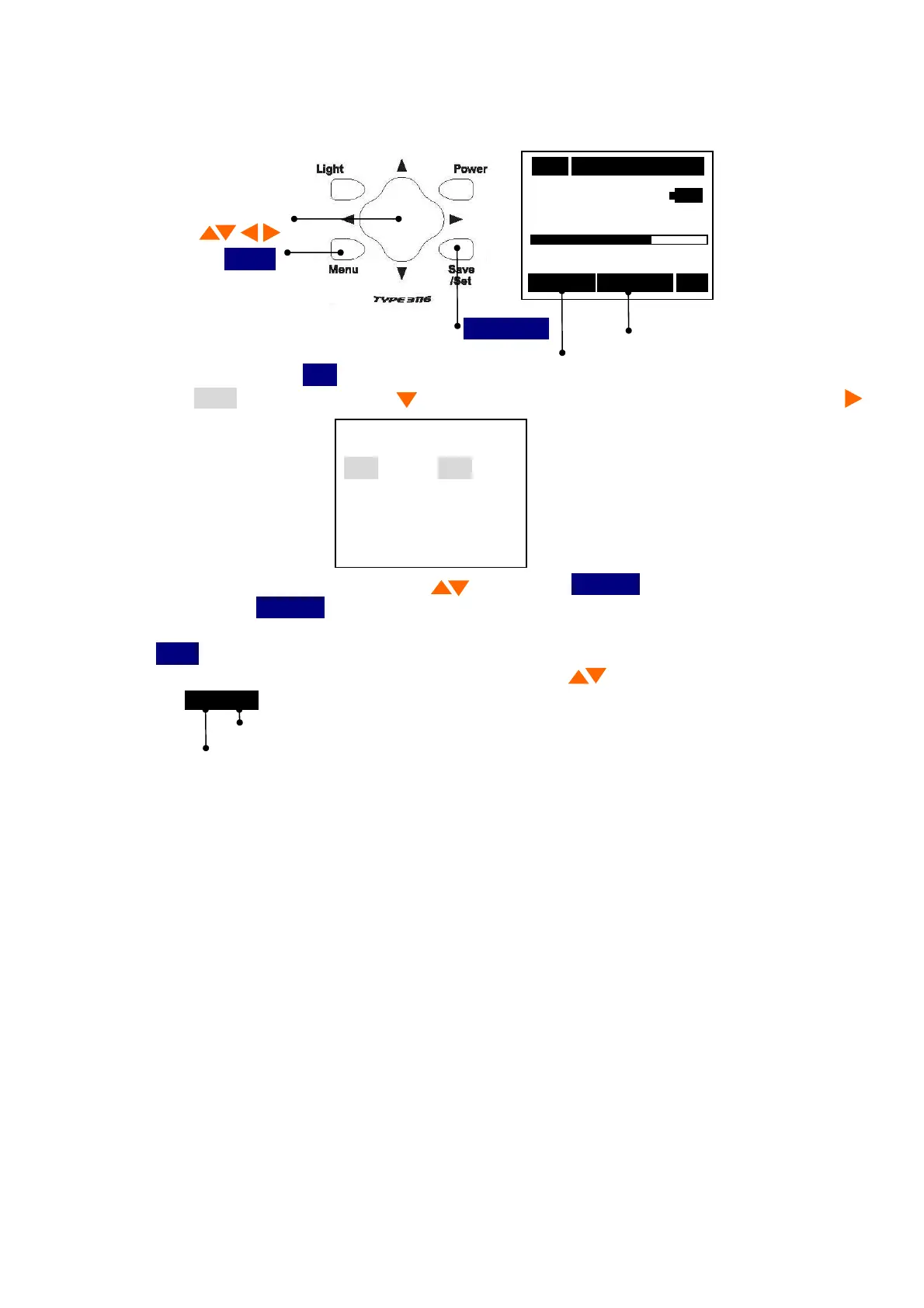
Display of a state
The recording number
Measurement
Data call
You can see the recorded data with Meas of Menu 1/3 is set to Mem Call.
01/01 12:01
Cursor button
m/s
2
Menu
0 Range 200
016/016 Memory RMS
Save/Set
1) When you press the
Menu
button the following screen appears.
2) Select
Meas
with Cursor button , then move the cursor rightward with cursor button .
<Menu> 1/3
Meas :Manu
I/O :OFF
Date :00/00/00
Time :00:00:00
3) Set the
Mem Call
with cursor button , then press
Save/Set
button to save the setting.
After pressing
Save/Set
button , the cursor moves leftward.
4)If you want to go back to the measurement mode, pressing it three times returns to the
Menu
button.
5)If you select a Recoding Number with cursor button , a data display.
013/016
Total data
The recording number



 To Next Page