Data management software
NA-0116
3.3.5 Connection(Data reception, data registration of TYPE 3116)
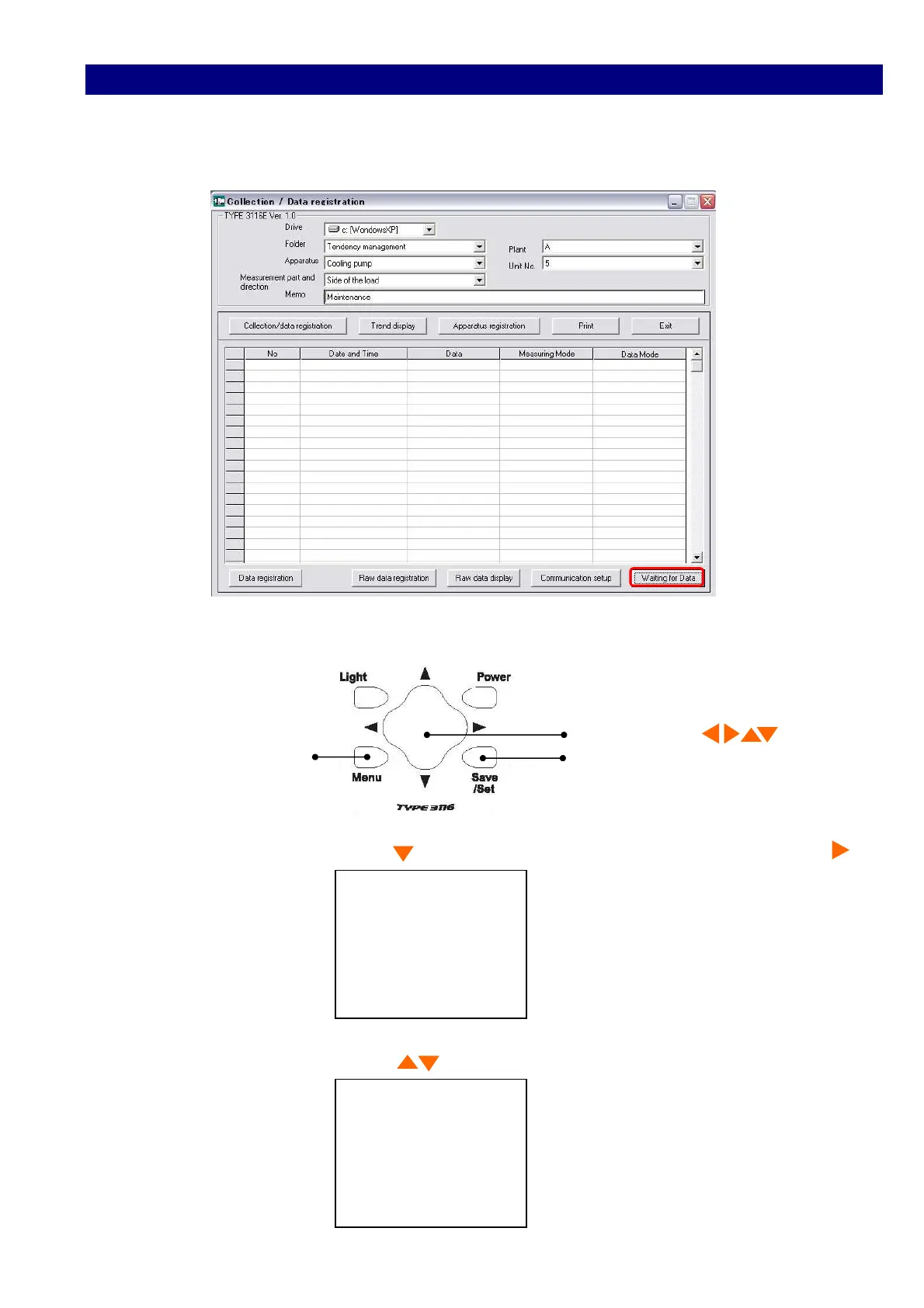
1) Click [Connection] button.
The display changes to [Waiting for data].
2) Press [Menu] and <Menu 1/3> window appears.
Cursor button
Menu Save/Set
3) Select I/O with Cursor button , and move the cursor rightward with cursor button .
<Menu> 1/3
Meas :Manu
I/O :OFF
Date :00/00/00
Time :00:00:00
4) Select PC with Cursor button , and register with [Save/Set].
PC
Save / Set Key



 To Next Page