Data management software
NA-0116
5) Data transmission starts with [Save/Set].
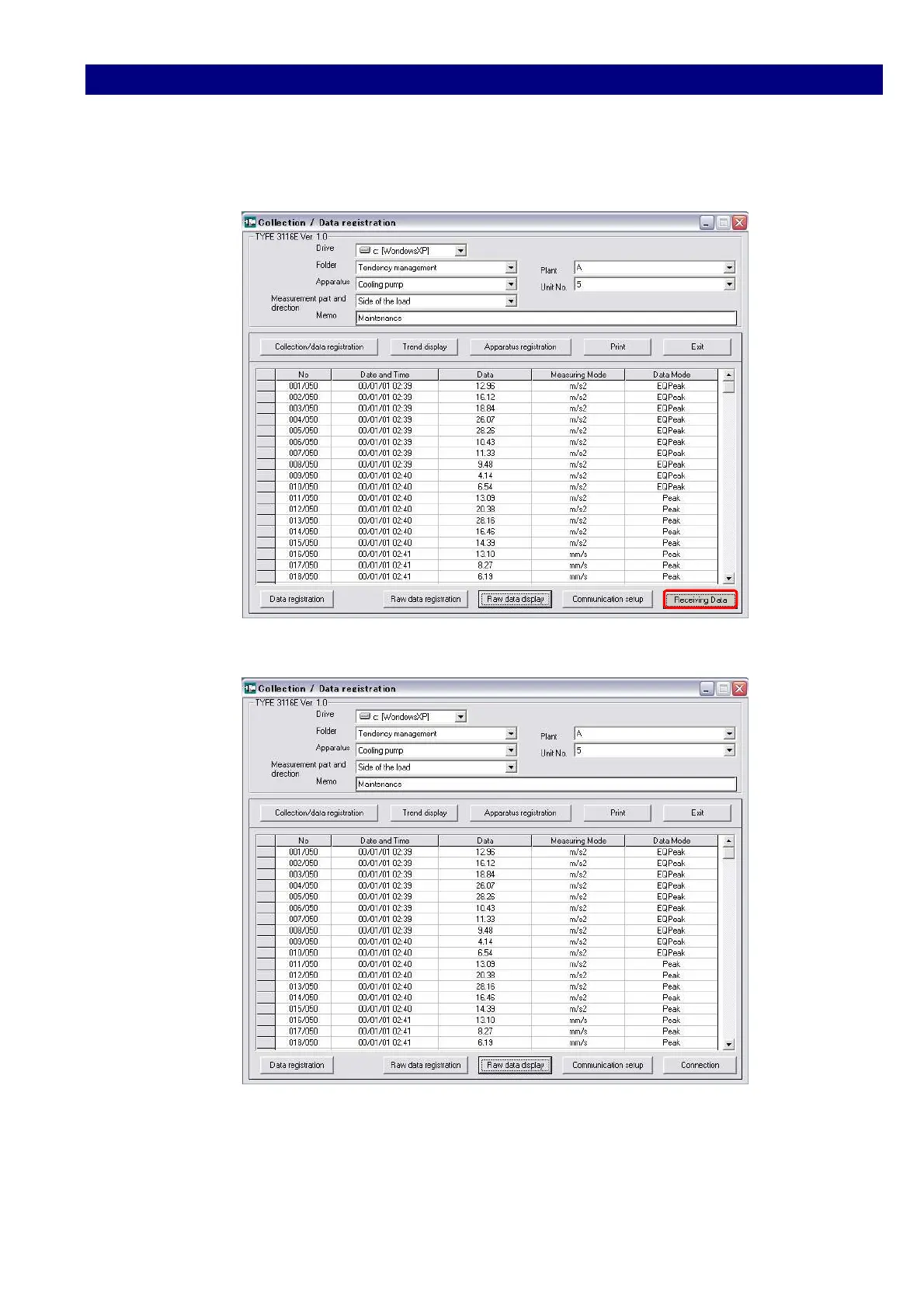
6) After the transmission starts successfully, display changes to [Receiving Data]
button blinks.
7) On the completion of data transmission, the collected data are displayed.
If you do not register the data and need to repeat the date collection or to collect the data
from other TYPE(s) of 3116, you have only to click [Collection/data registration] button and
[Connection] button.



 To Next Page