Data management software
NA-0116
3.3.4 Set up RS-232C of TYPE3116
Set up RS-232C with Menu 3/3 baud rate.
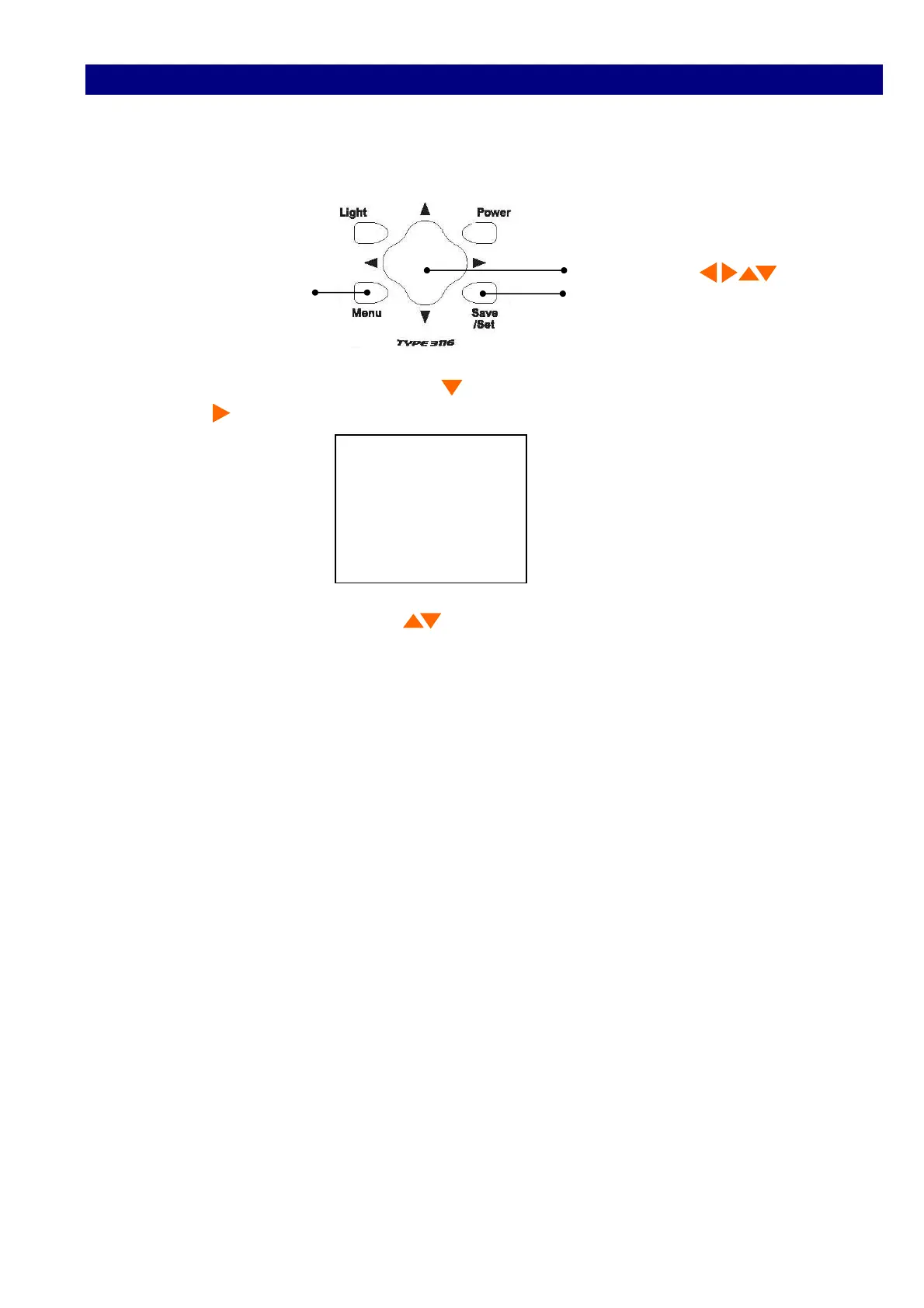
1) Press Menu button three times to reach the <Menu 3/3> window.
Cursor button
Menu Save/Set
2) Select baud rate with cursor button , and move the cursor rightward with cursor
button .
<Menu> 3/3
Moni/Level :AC
AutoPwrOff :OFF
LCD cont :*
baud rate :9600
3) Select 9600 with cursor button , and register by Save/Set button.



 To Next Page