― 32 ―
Handling of an option article
Connection with a PC
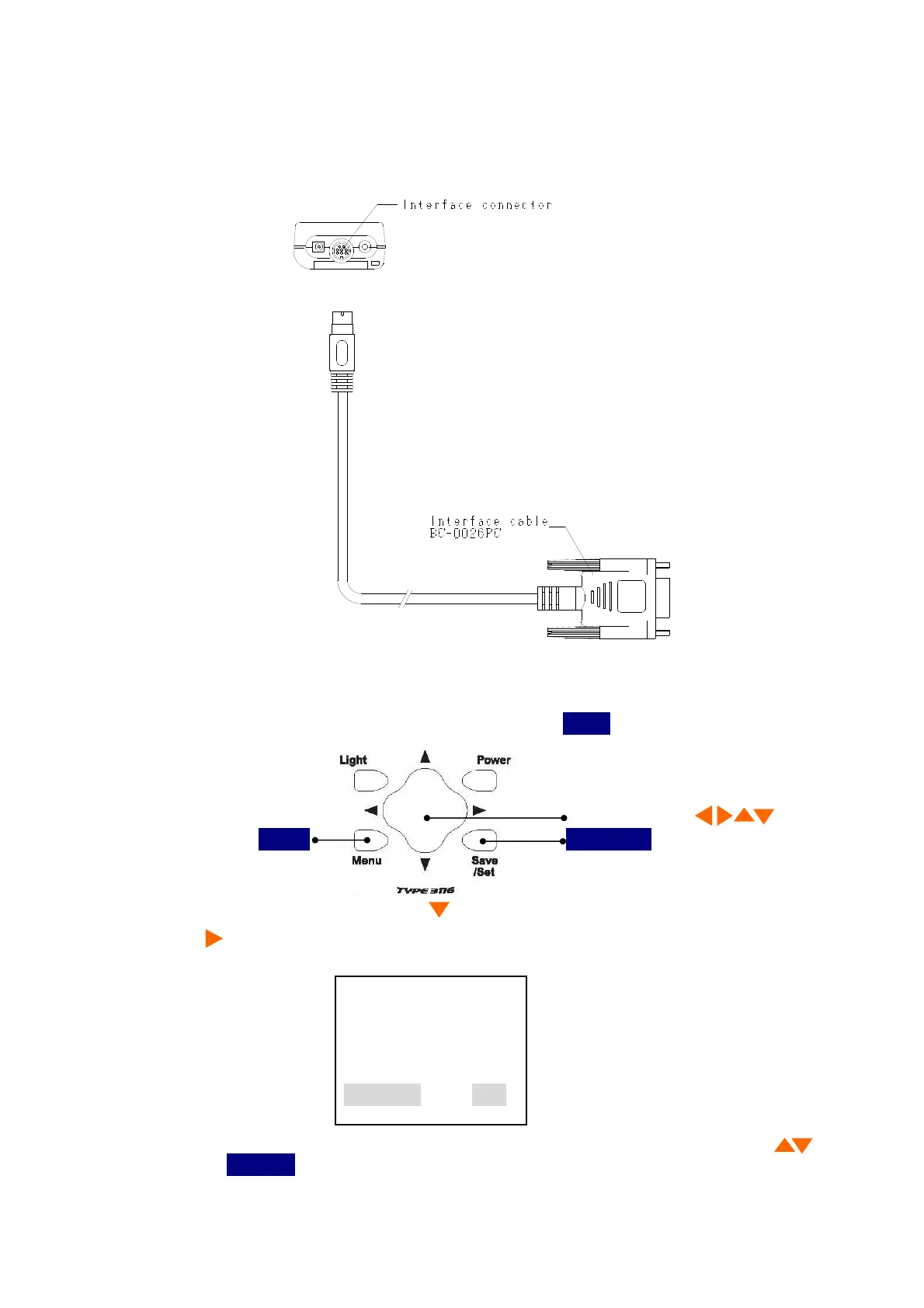
When connecting a main part and a personal computer by BC-0026PC as shown in the following
figure.
Set up of RS-232C
Set up the RS-232C by
Menu 3/3
baud rate
of a main body.
1)It is made a screen.
<Menu 3/3>
with push
3 times
Menu
.
Cursor button 4 direction
Menu
Save/Set
2) Select
baud rate
with Cursor button , then move the cursor rightward with cursor
button .
<Menu> 3/3
Moni/Level :AC
AutoPwrOff :OFF
LCD cont :*
baud rate :9600
3) Set the same value as the baud rate of the application of PC with cursor button ,
then press
Save/Set
button to save the setting.



 To Next Page