― 6 ―
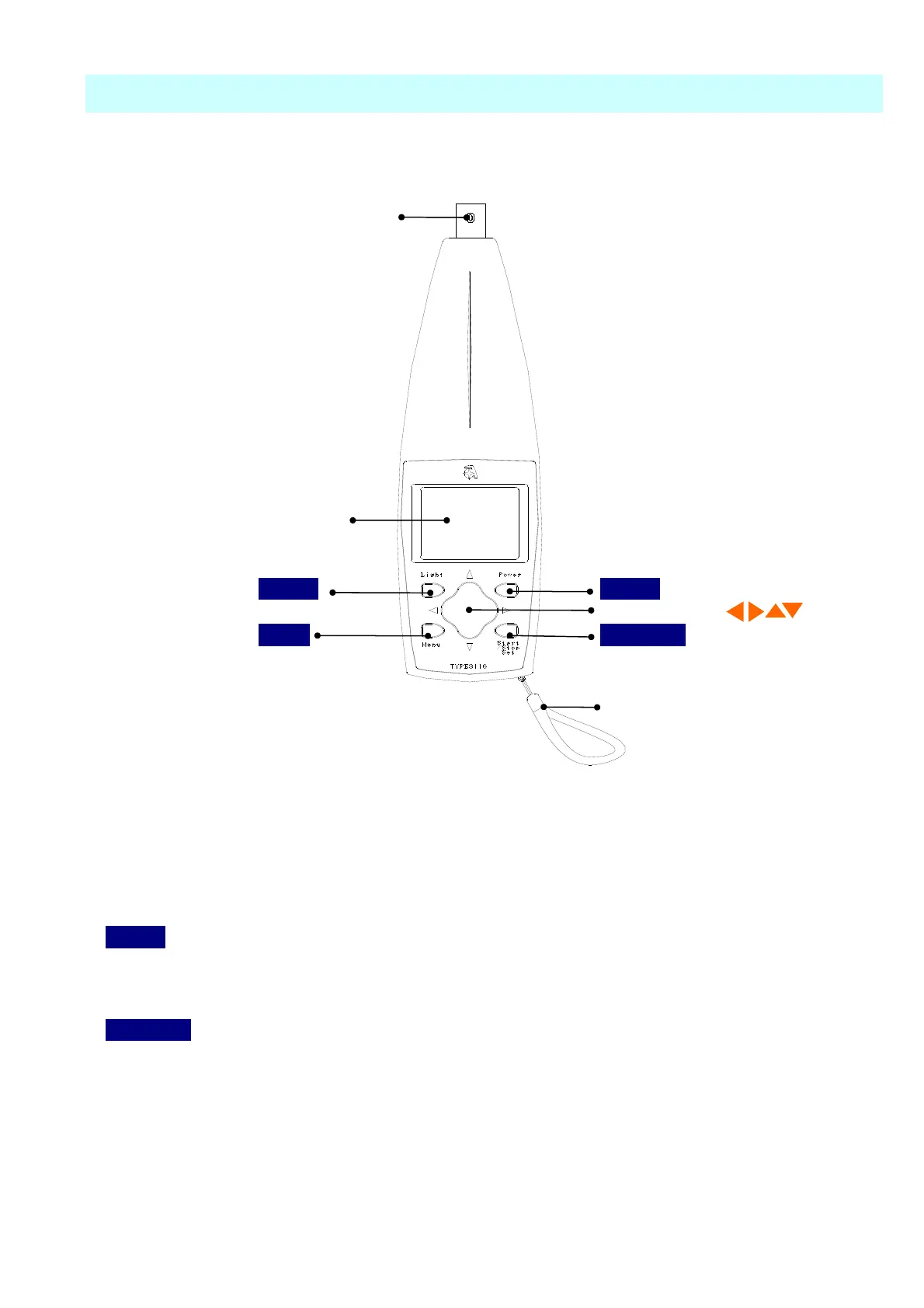
Input terminal
Names and functions of various parts
Front
Light
Power
Cursor button
MENU
Save/Set
Hand strap
Input terminal
It is the terminal which connects pickup TYPE 7812B in attached connection code.
Display
The setting status of measured value and various switches are displayed.
Power
Long-pressing this switch for 1 sec or more turns on the power.
Long-pressing it again turns off the power.
Save/Set
Record at the time measurement, this is the setting button used when the Menu screen is
operated.
Display



 To Next Page