― 15 ―
136.0
Replace batteries
Preparation
3)Long-press the
Power
button for 1 sec or more.
Power
Type 3116
Ver. 2.1
2000/01/01
00:00:00
Start Screen
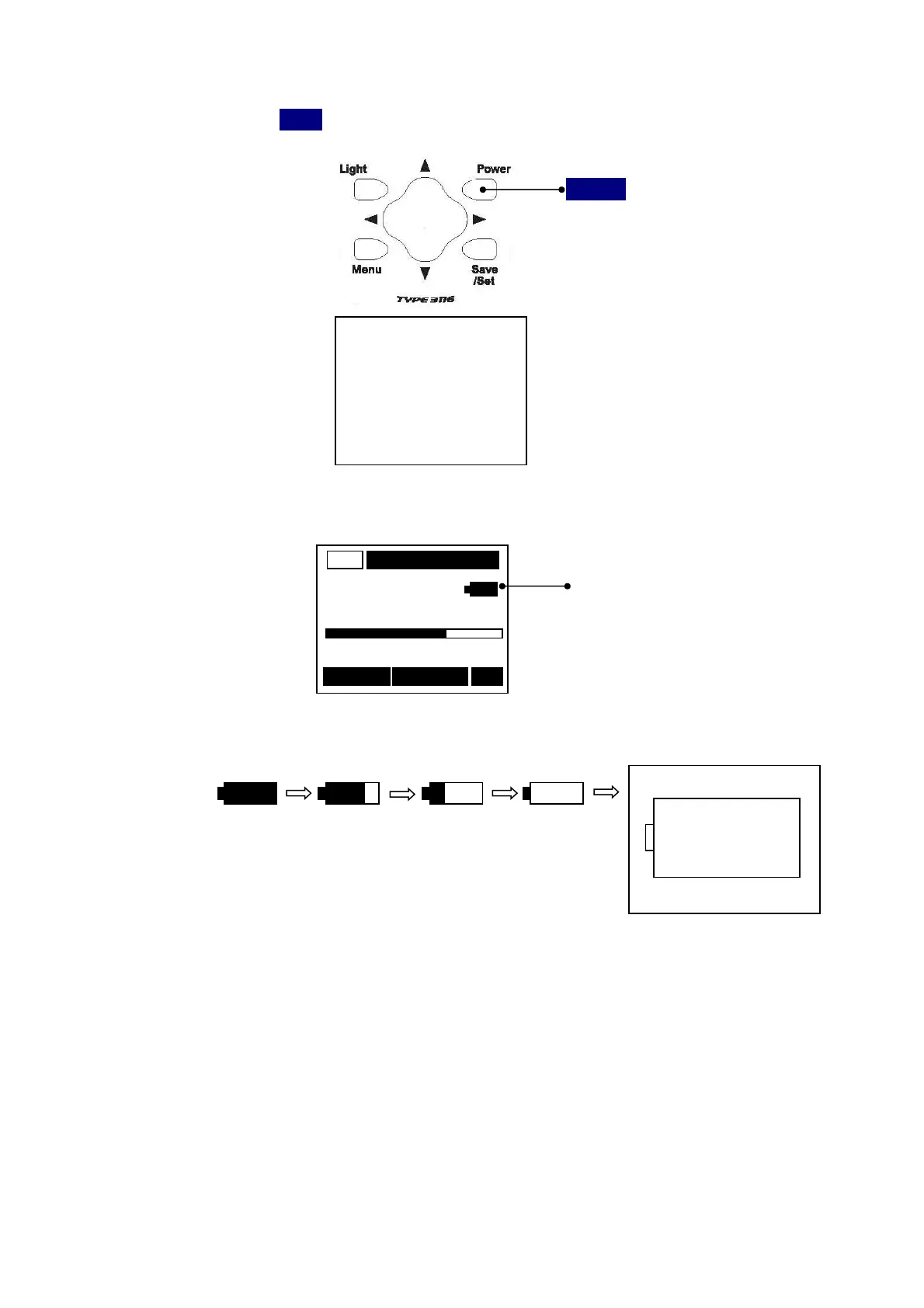
The indicator is shown battery remaining capacity on the upper right of a display screen.
AC
Battery remaining capacity
m/s
2
0 Range 200
000/000 RMS
The following displays tell you the condition of the batteries.
Full
When LCD display tells low battery, install new batteries.
For long-term measurement, install new batteries in advance.
EMPTY



 To Next Page