― 34 ―
Handling of an option article
2.Communication timing
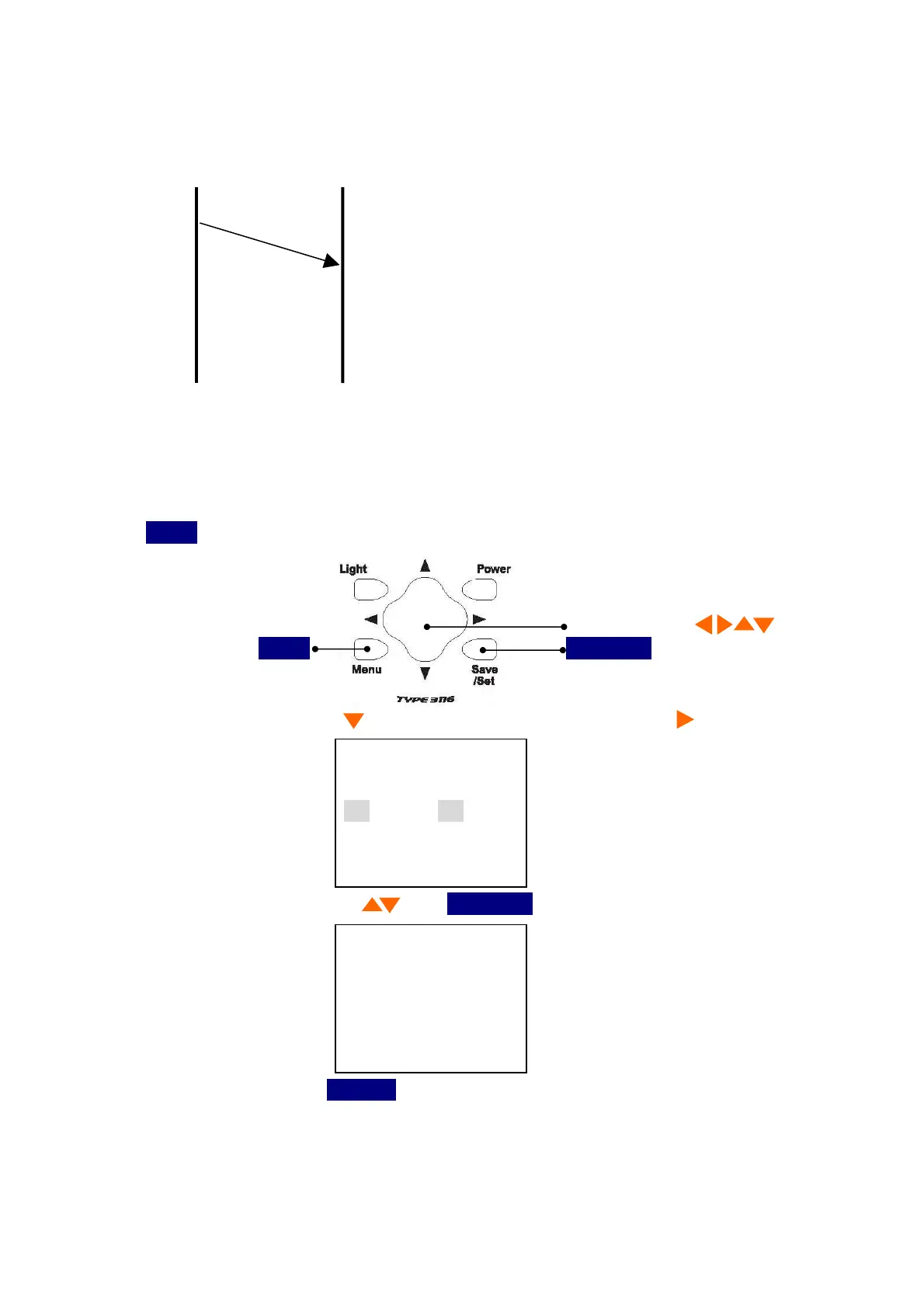
3116/3116A PC
The data are outputted automatically by operating ‘Menu’
1) First, start PC application.
2) Turn on the switch ‘Communication’ (to wait for data), and click ‘Cancel’ to terminate the
sequence.
3)
Menu
It pushes and is
<Menu 1/3>
. It is made a screen.
Cursor button 4 direction
Menu
Save/Set
4) Select
I/O
Cursor button and cursor is moved to a right item by .
<Menu> 1/3
Meas :Manu
I/O :OFF
Date :00/00/00
Time :00:00:00
5) Select
PC
by Cursor button and
Save/Set
by Cursor button .
PC
Save/Set Key
6) Save the data to PC by
Save/Set
key.
7) Confirm the completion of data transfer by checking the last data No.
ex) 001/256 ・・・256/256(as in the case of 256 data)
TYPE 3116/3116A will finish by itself (No handshake)
8) In the case of data error, cancel the program.



 To Next Page