Data management software
NA-0116
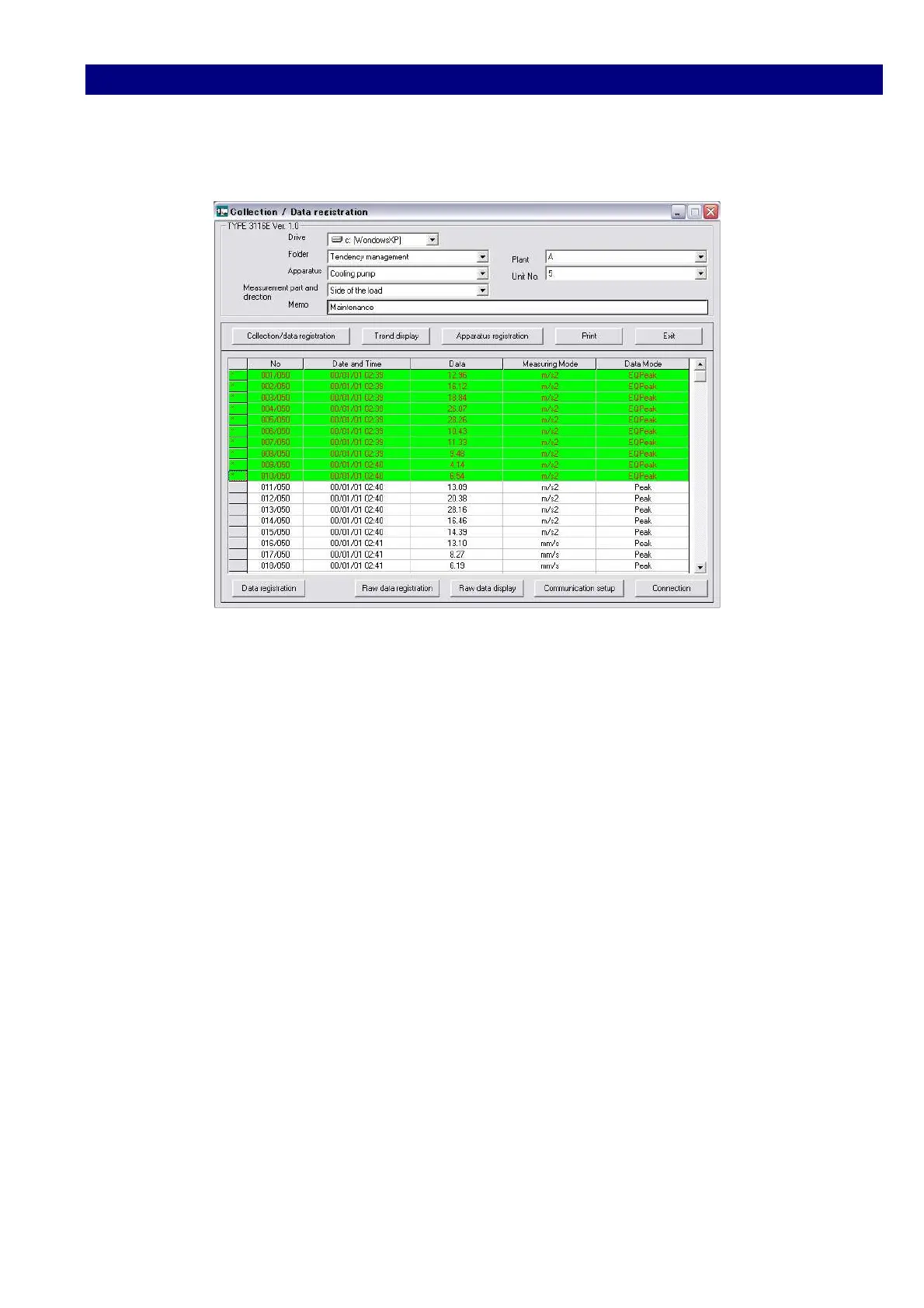
3) Click and select data you want to register.
On Selection the color of the line changes and [*] mark left.
4) Click [data registration] button to register the data.
Folder selection and registration are available for each data.
On selection or registration, a flag is attached to the head.
Additional data storage is carried out for every data registration.



 To Next Page