Using The Scan Tool
3 – 20 • • • • • • • • • • • • • • • • • • • • • • • • • • • • • • • • • • • • • • • • • • • • • • • • • • • • • • •
3
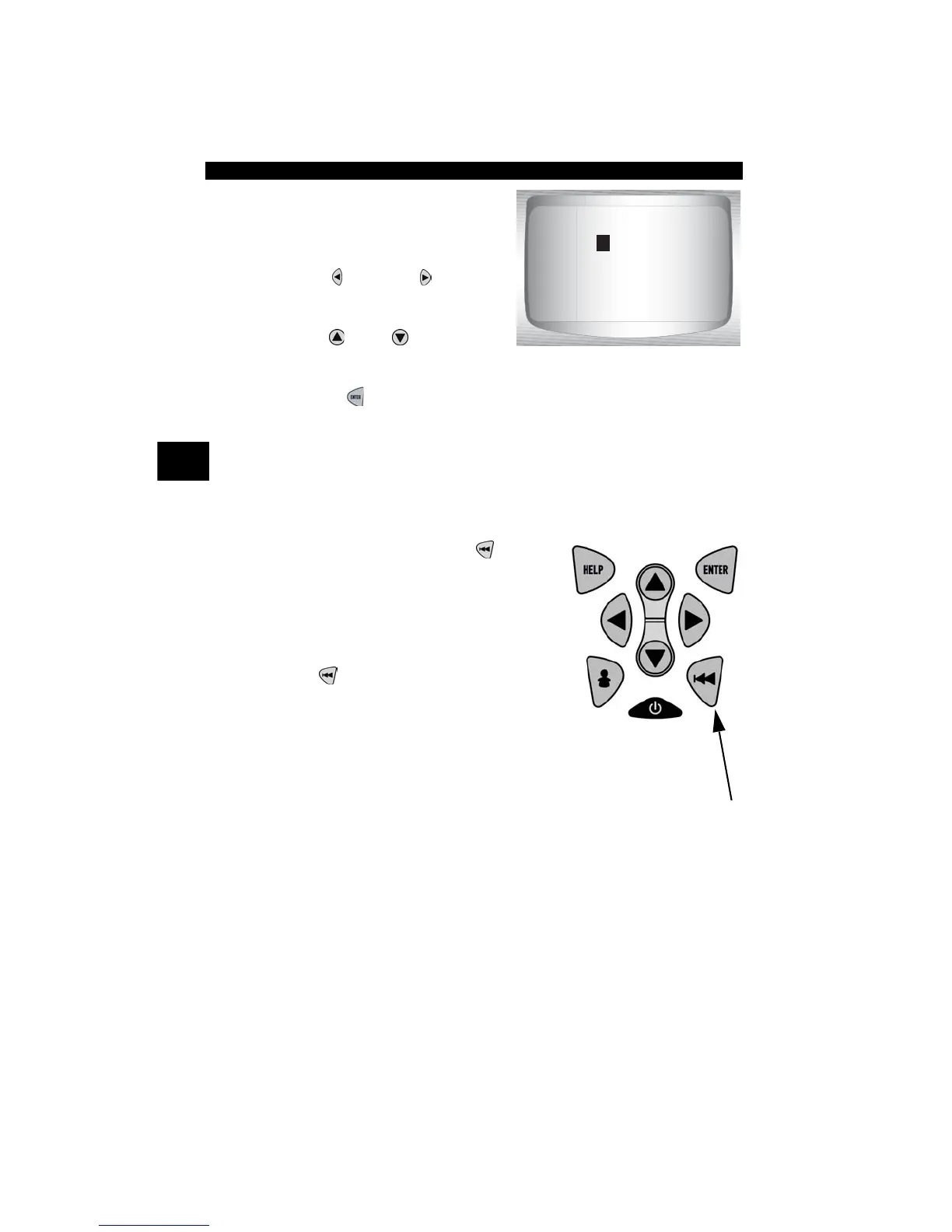
3.Enter code.
•All characters must be entered
•Only one character can be
changed at a time.
•Use
LEFT or RIGHT
arrow keys to scroll to desired
character.
•Use
UP
or
DOWN
arrow
keys to change selected
character.
• Press
ENTER
.
✓ If definition could not be found (SAE or Enhanced), the Scan Tool
displays No DTC Definition Found. See Service Manual. If the DTC is
manufacturer specific the DTC is assigned to display. Refer to the
vehicle service manual for exact definition
.
✓ To enter another DTC, press
BACK
.
✓ Press
BACK
again to return to menu
from which Code Lookup was selected.
P0001
Press & to
change selected digit
Press & to
select another digit
Press ENTER to view
P



 To Next Page