• • • • • • • • • • • • • • • • • • • • • • • • • • • • • • • • • • • • • • • • • • • • • • • • • • • • • • • • 4 – 19
Vehicle Diagnostics
4
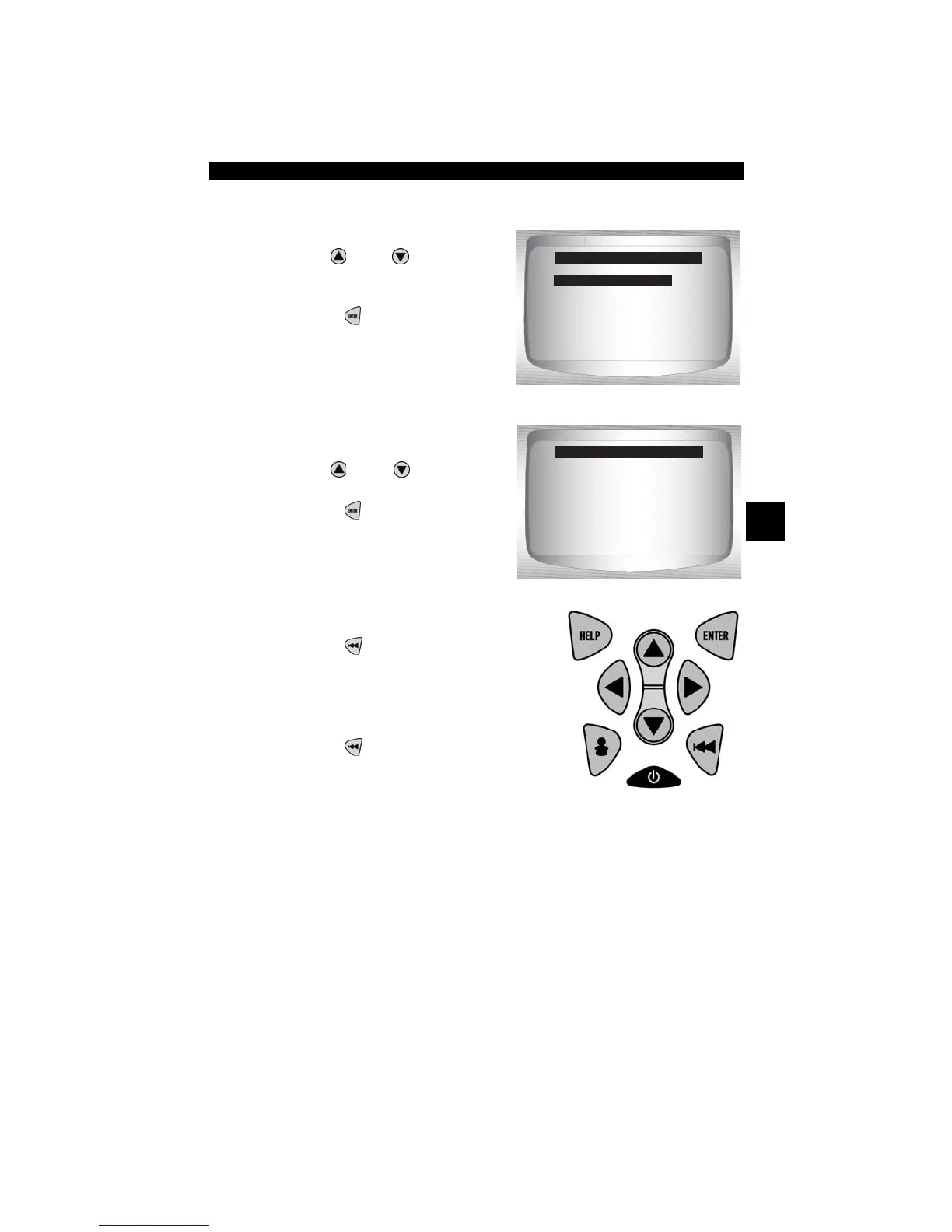
From OBD II Function List:
1. Select
View Freeze Data.
•Use
UP
or
DOWN
arrow
key until View Freeze Data is
highlighted.
•Press
ENTER
.
2. Select Frame (if more than 1
frame is present).
•Use
UP
or
DOWN
arrow
key.
•Press
ENTER
.
3. Select another frame to view (if
available)
•Press
BACK
.
4. Return to OBD II Function List.
•Press
BACK
.
OBD II Function List
=====================
View Fre eze Data
Drive Cycle Monitor
O2 Monitor Test
Diag Monitor Tests
On-Board Systems
Record Data
Vehicle Information
Select Frame
=====================
Frame 1 Mod $10
Frame 2 Mod $1A



 To Next Page