• • • • • • • • • • • • • • • • • • • • • • • • • • • • • • • • • • • • • • • • • • • • • • • • • • • • • • • • 4 – 33
Vehicle Diagnostics
4
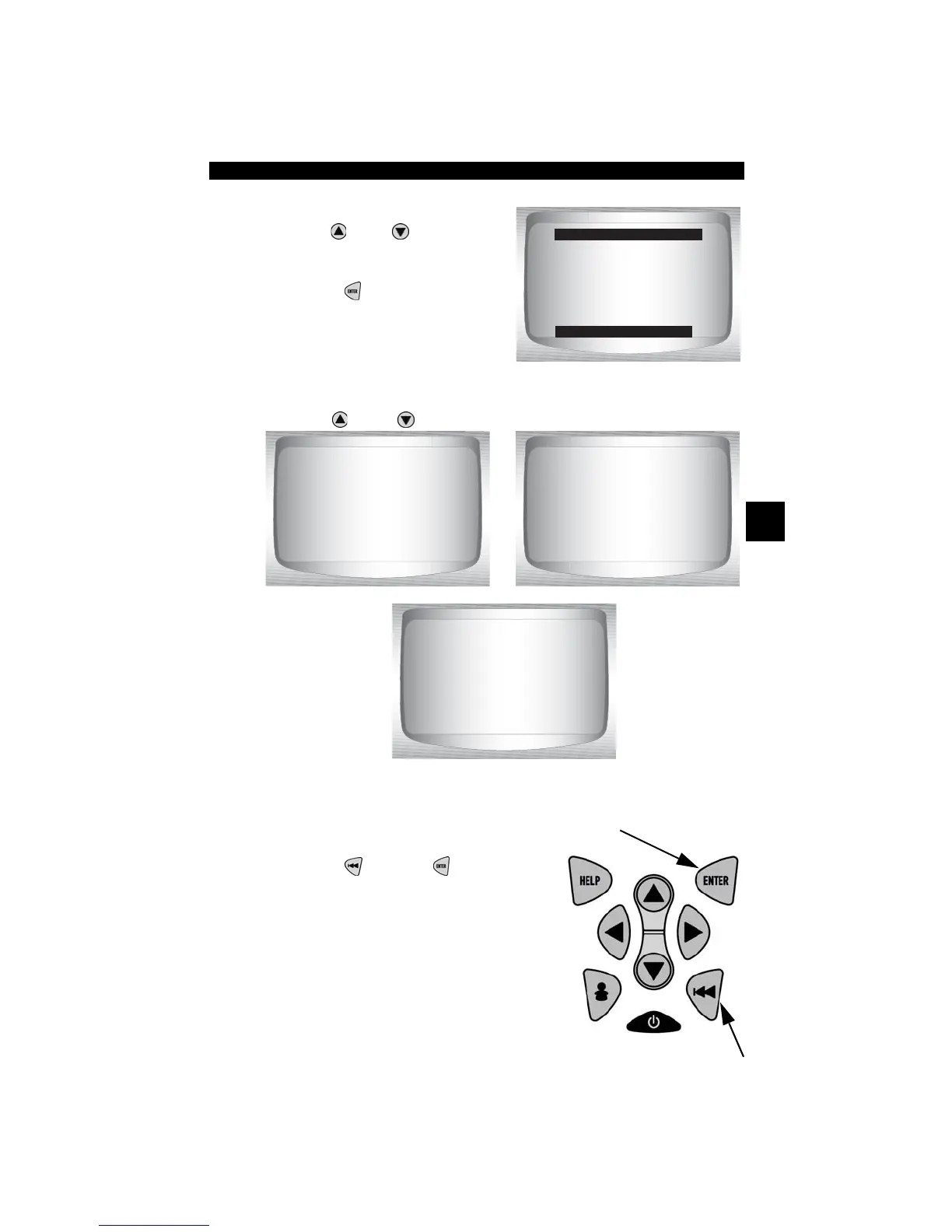
From the OBD II Function List:
1. Select
Vehicle Information.
•Use
UP
or
DOWN
arrow
key until Vehicle Information
is highlighted.
•Press
ENTER
.
2. View Information Supported by Vehicle.
•Use
UP
or
DOWN
arrow key (if required).
✓ In the above examples, Module $10 and $18 returned data. Scroll
down to view information. CVNs are shown as hexadecimal numbers.
3. Return to OBD II Function List:
•Press
BACK
or
ENTER
key.
OBD II Function List
=====================
View Fre eze Data
Drive Cycle Monitor
O2 Monitor Test
Diag Monitor Test
On-Board Systems
Record Data
Vehicle Information
VIN #1 Mod $10
ABCDEFGHIJK123456
CUN #1 MOD $18
OD B4 96 13



 To Next Page