Megohmmeter Models 5050/5060
45
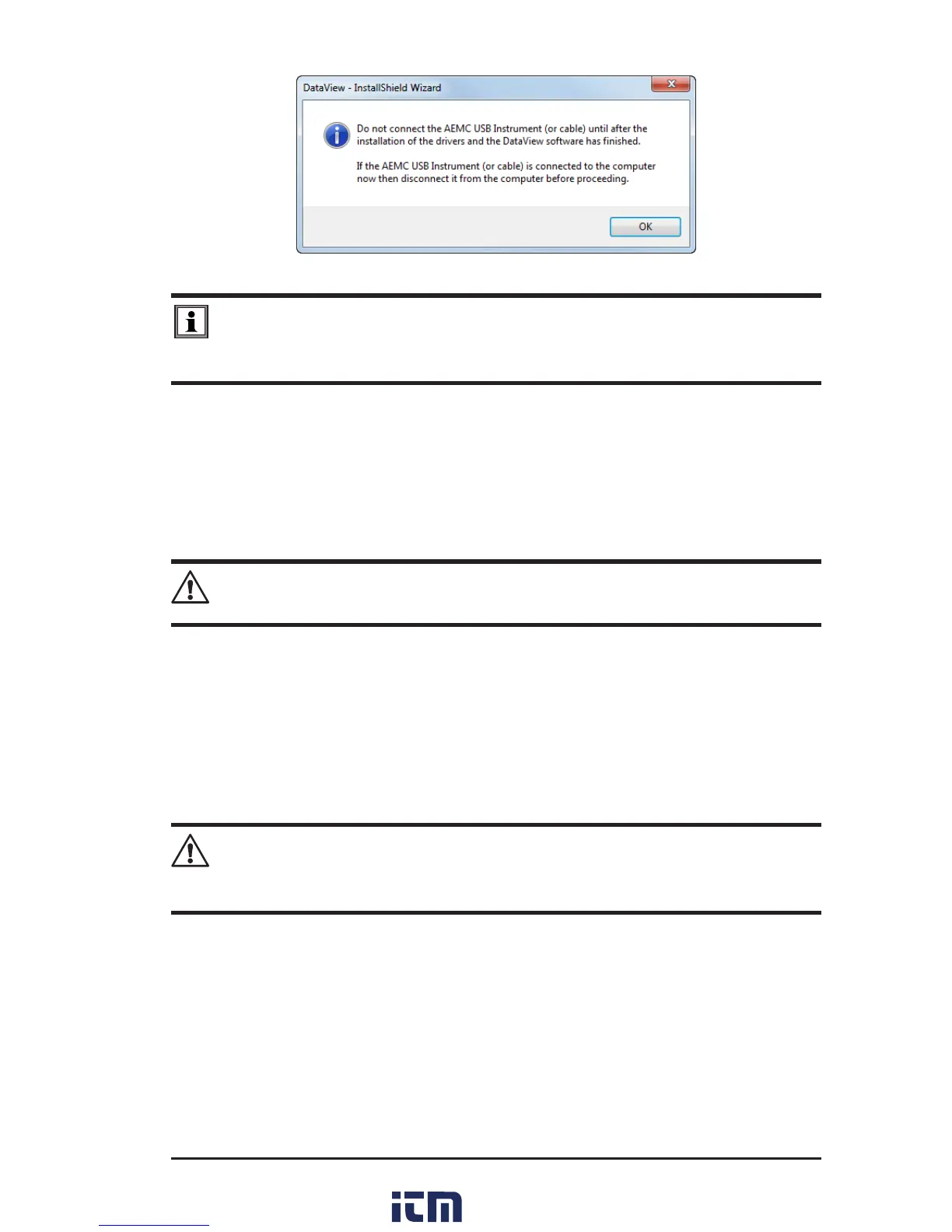
Figure 7-3
NOTE: The installation of the drivers may take a few moments. Windows may
even indicate that it is not responding, however it is running. Please wait for it to
finish.
14. Whenthedriversarenishedinstalling,theInstallation Successfuldialog
boxwillappear.ClickonOK.
15. Next,theInstallation Wizard Completewindowwillappear.ClickonFinish.
16. A Questiondialogboxappearsnext.ClickYestoreadtheprocedureforcon-
nectingtheinstrumenttotheUSBportonthecomputer.
NOTE: The Set-up window remains open. You may now select another option to
download (e.g. Adobe
®
Reader), or close the window.
17. Restartyourcomputer,thenconnecttheinstrumenttotheUSBportonthe
computer.
18. Onceconnected,theFound New Hardwaredialogboxwillappear.Windows
willcompletethedriverinstallationprocessautomatically.
Shortcuts for DataView
®
and each instrument control panel selected during the
installationprocesshavebeenaddedtoyourdesktop.
NOTE: If you connected your instrument to the computer before installing the
software and drivers, you may need to use the Add/Remove Hardware utility to
remove the instrument driver before repeating the process.
w ww . . co m
information@itm.com1.800.561.8187



 To Next Page