Megohmmeter Models 5050/5060
51
3. OncethetesthasbeencompletedpresstheSave to Diskbuttontosavethe
resultsofthetestjustcompletedtoadiskdriveinyourcomputer.
4. Namethele,thenpresstheSavebutton.
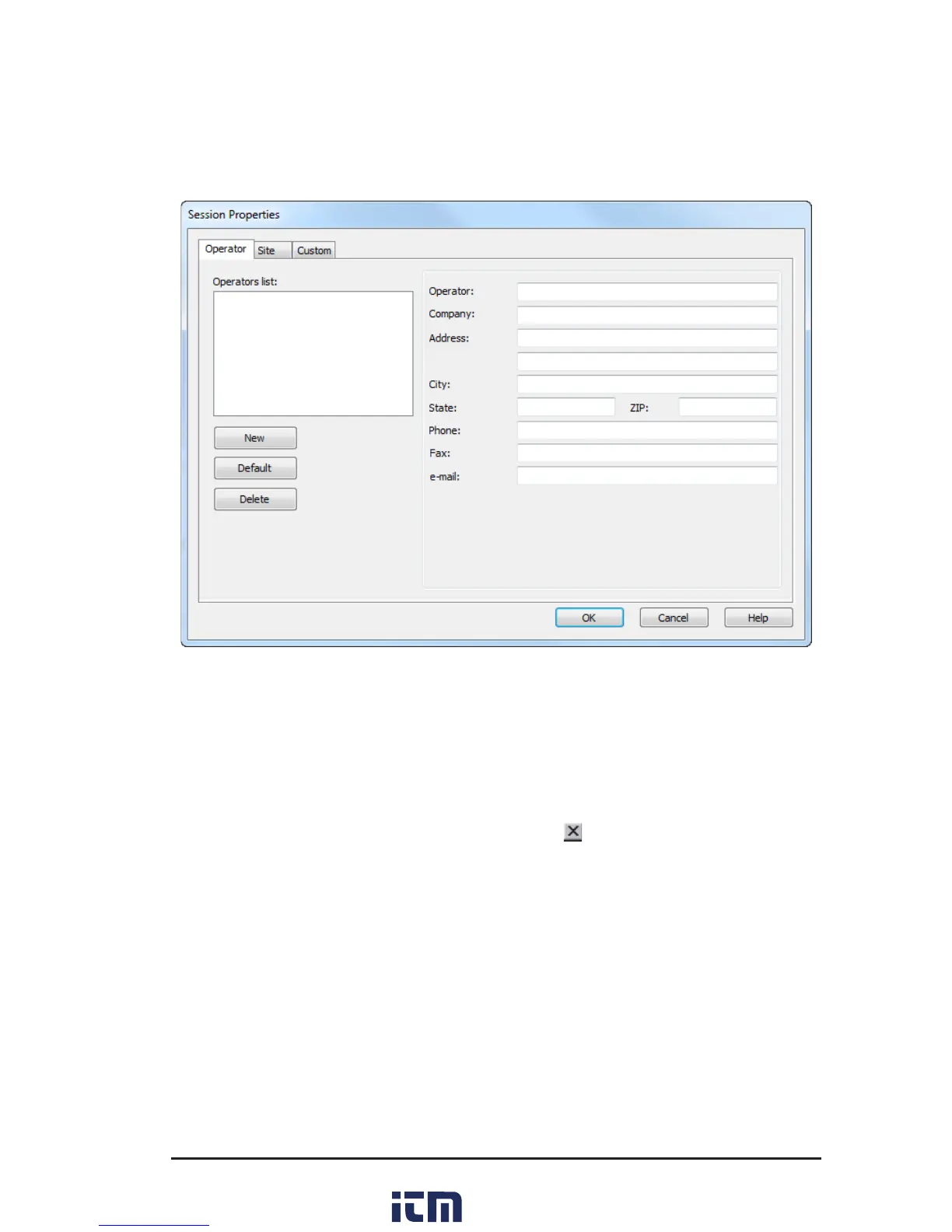
Thiswillopenthesessionpropertiesdialogbox:
Figure 7-8
5. Onceyouhavecompletedllinginalltheinformationonthescreen,press
OK.Thiswillopenadialogboxallowingyoutoaddadescriptivenameforthe
objectandtestjustperformed.
6. PresstheOK button.Theinformationisnowsavedtothecomputer’s
memory.
7. Closethedialogboxbyclickingonthesmall
atthetoprighthandcornerof
thedialogbox.
8. Youwillthenbeaskedifyouwanttoopenthedatabasejustsaved.Clickthe
Yes button,whichwillopenadialogboxlabeledCreateViewfromTemplate.
9. IntheGroupswindowofthisdialogbox,clickon“megohmmeter”thenselect
thedesiredtemplate,ifotherthanthedefaultisdesired.
10. InStep2:Specify Database(s) window, the leyoujustsaved and named
shouldbevisible.Ifthisistheleyouwishtogenerateareportfrom,clickthe
OKbutton.Thereportwillnowbeavailableonthe screenincluding graph,
individualdatapointsandallstatisticaldata.
11. Toprintthisreport,eitherclickonthePrinticonorclickontheFilecommand
andthenPrint.
w ww . . co m
information@itm.com1.800.561.8187



 To Next Page