AEQ Audio Over IP
Routing System
128
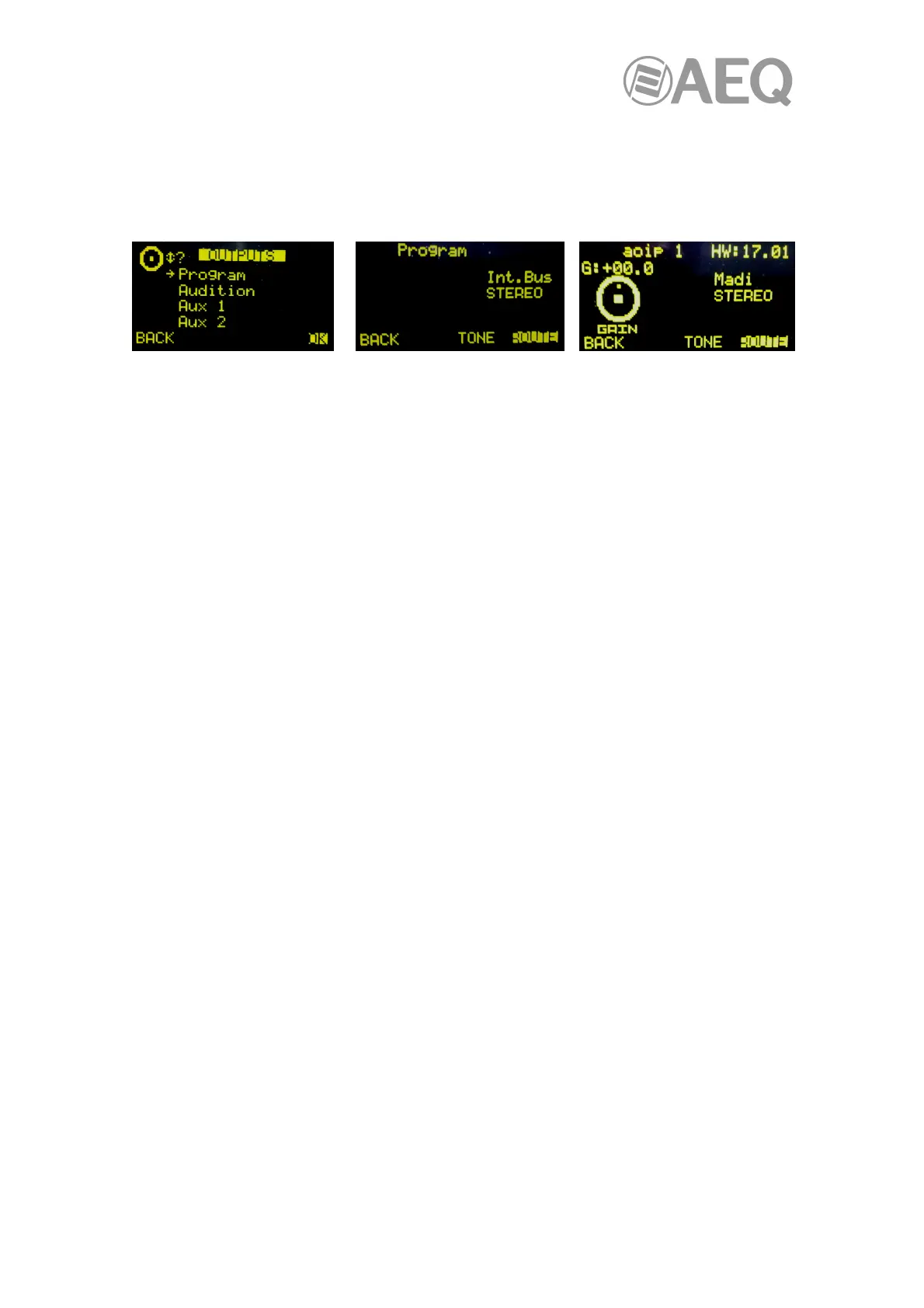
A3.3.2.2. "OUTPUT" menu.
This menu shows a list of all the audio output logical signals defined in the system from the
configuration software, followed by the internal summing buses ("Program", "Audition", "Aux1"
and "Aux2"), the monitoring buses ("Cue", "Studio" and "Control") and finally the MPX buses.
For more information, see section "4. CONFIGURATION SOFTWARE" in the unit manual.
You can access a more detailed description of each one of the output audio channels by turning
any of the 3 associated encoders and pressing then the "OK" contextual key or any of these
encoders.
The "ROUTE" option allows you to manage the internal routing of the signals of the console
toward that output signal or bus.
For more information about this advanced information screen, please consult the user's manual
of the unit.



 To Next Page