AEQ Audio Over IP
Routing System
37
4.6. Using "Dante Controller".
"Dante Controller" presents two main types of view: Network View and Device View.
IMPORTANT NOTE: After making changes to Dante network routing (e.g. subscriptions, device
names, channel labels etc.) please wait at least 5 seconds before disconnecting or powering
down any affected devices. This ensures that the new information has been properly saved to
the devices. Device configuration (e.g. sample rates, latency, clock settings) is saved instantly.
4.7. Using "Dante Controller": "Network View".
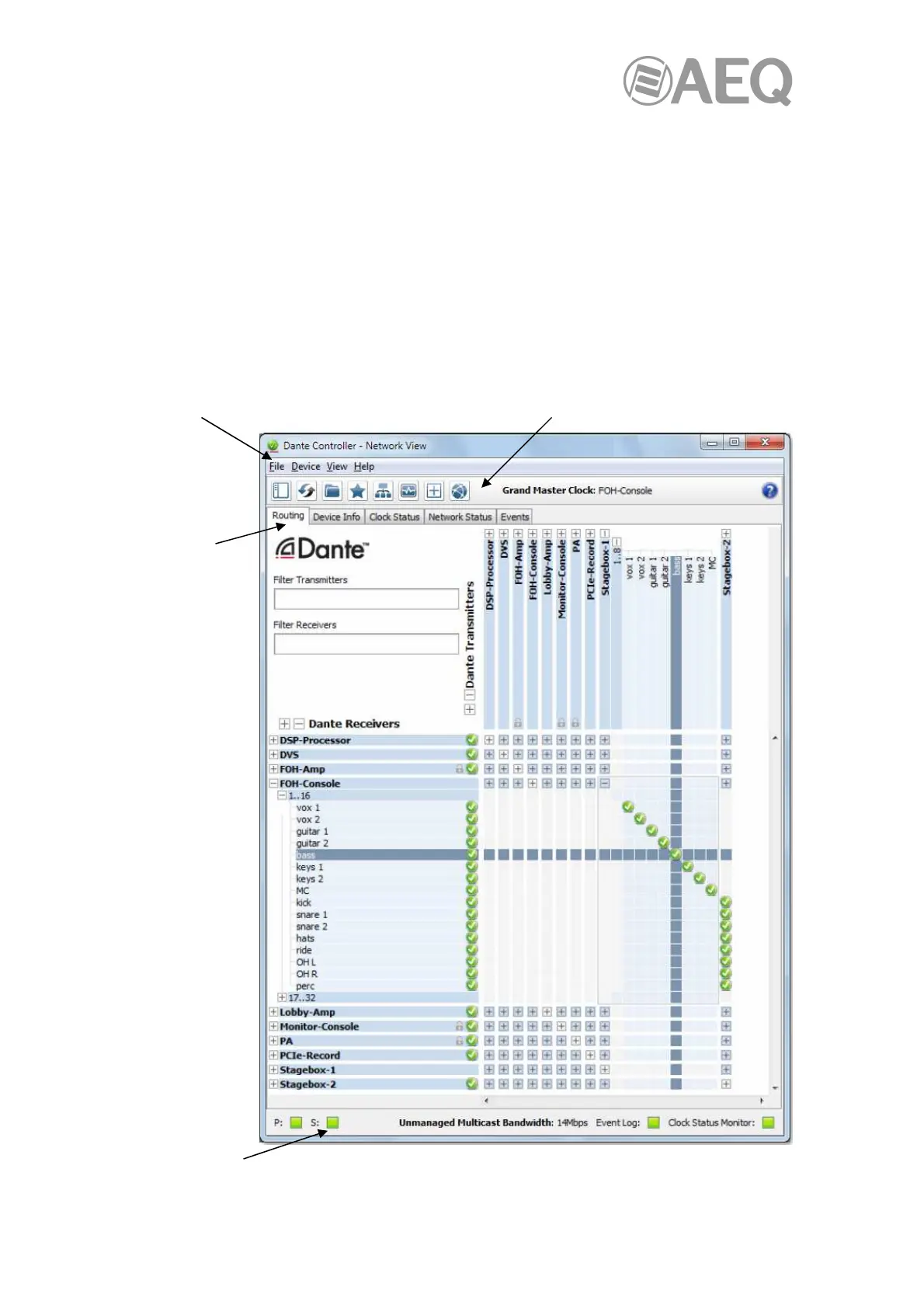
When "Dante Controller" is started, it opens at the Network View, with the Routing tab selected,
offering the network connection view in XY format:
Menu bar Tool bar
Tabs
Status bar



 To Next Page