18
WARNING:
If there are several simultaneous errors on
the system, press the
MENU/OK
FAN
ON/OFF
MODE
SWING
or
MENU/OK
FAN
ON/OFF
MODE
SWING
, key to scroll
through them. Each error has its own unique
identication code. For more information
about the error codes, refer to the relevant
table at the end of this manual.
Viewing the unit status and the alarm log
UNITS STATUS AND ALARM LOG
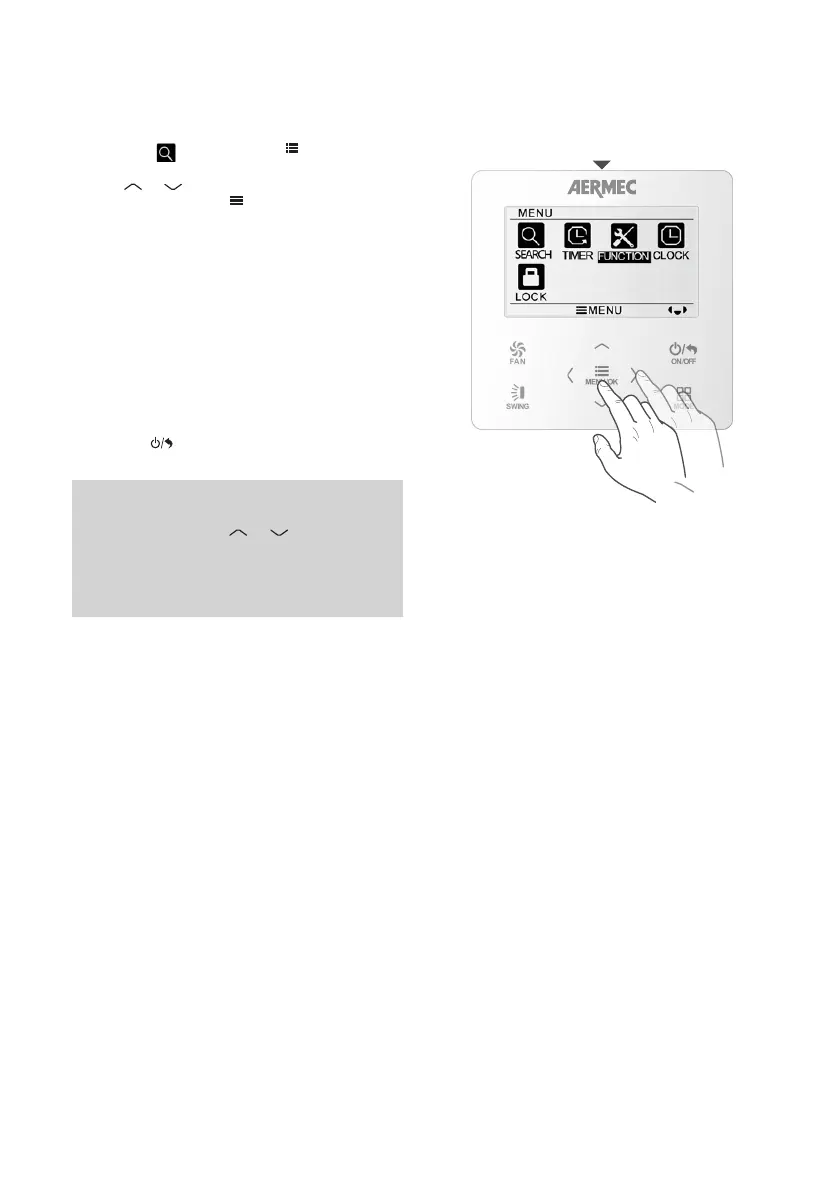
From the main control panel menu, select the
SEARCH icon and then press
MENU/OK
FAN
ON/OFF
MODE
SWING
to access the
required menu.
Use the
MENU/OK
FAN
ON/OFF
MODE
SWING
or
MENU/OK
FAN
ON/OFF
MODE
SWING
button to select the item you
want to see, then press
MENU/OK
FAN
ON/OFF
MODE
SWING
to confirm. The
available items are:
UNITS STATUS: for viewing various info items
relating to the unit, such as:
• Defrost cycle in progress
• The time left before the indoor unit air filter must
be cleaned
• The outside air temperature
• The room air temperature measured
ERROR INFORMATION: to view the code of the
current alarm.
To quit the sub-menu and return to the previous
levels, press
MENU/OK
FAN
ON/OFF
MODE
SWING
.



 To Next Page