DD+DIS155
.11E
Controls, Connections, and Setup Procedures
DOCUMENT CONTROL NOTE:
The controlled version of this document is available from the Agfa HealthCare Library. Any printed copy of this document is uncontrolled.
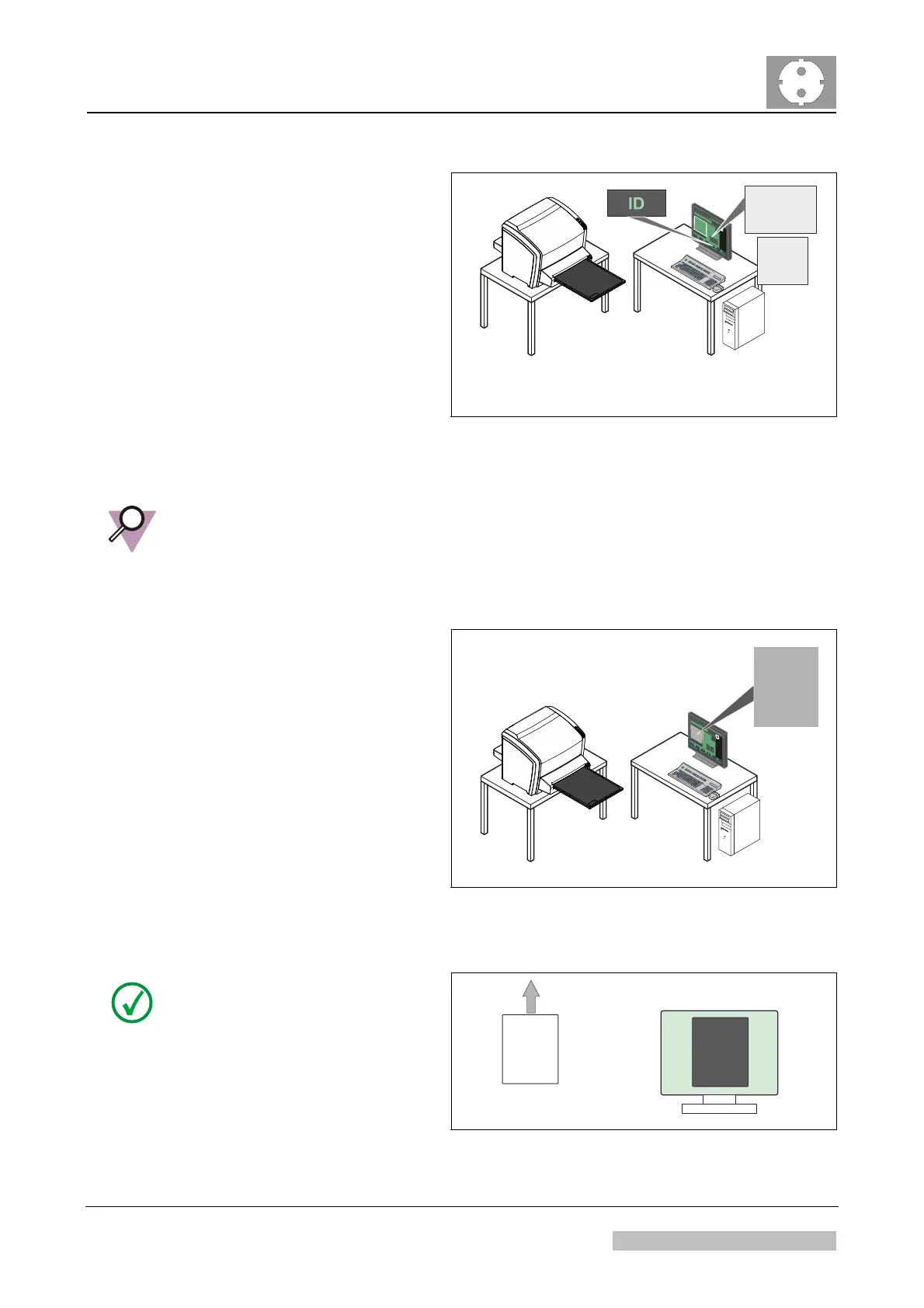
(3) Create a new exam "System
Diagnosis - Flatfield".
(4) Scan the image.
install_poster_14a.cdr
System
Diagnosis
Genrad
Flat
Field
200
Figure 63
IMPORTANT:
By selection of examination type <System Diagnosis Flatfield>,
the correct settings for image processing of the flatfield are used.
Any other examination type gives a result which cannot be used for image evaluation.
(5) Check the image for the
following artifacts:
Stripes in fast scan or
slow scan direction
Large area
inhomogeneities
Unacceptable number
of white dots
install_poster_15.cdr
Figure 64
515101aa.cdr
Image
Plate
Slow Scan
Direction
Monitor
NOTE:
The slow scan direction is parallel
to the long side of the image plate.
Figure 65
Edition 1, Revision 4 CR 10-X / CR Reader / CR 12-X / CR Advanced Reader Chapter 1 / Page 44 of 47
03-2013 Type 5151 / 100 / 110 / 200 / 210 Agfa Company Confidential



 To Next Page