DR Detector Switch
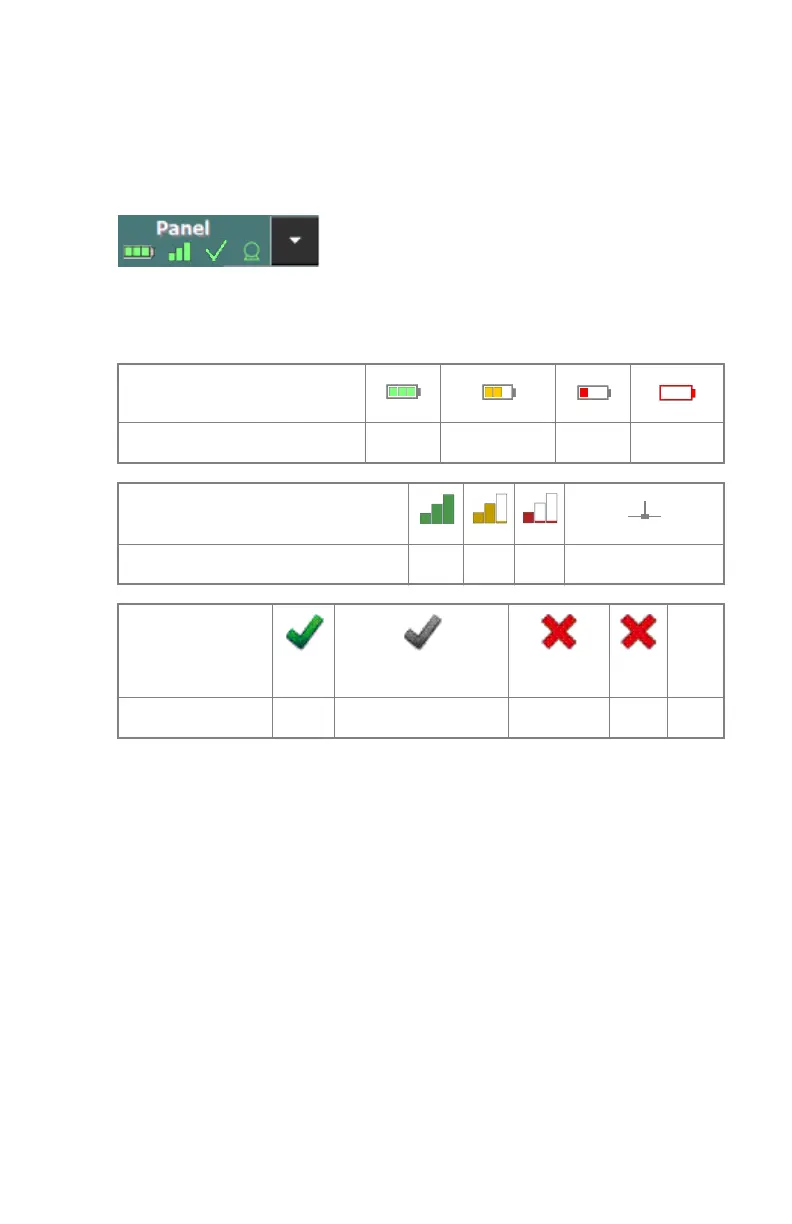
The DR Detector Switch is available in the title bar of the NX application.
The DR Detector Switch shows which DR Detector is active and shows its
status. The DR Detector Switch can be used to activate another DR Detector.
Figure 5: DR Detector Switch
DR Detector Status
Battery status icon
Meaning Full Medium Low Empty
Connection status icon (wifi/
wired)
Meaning Good Low Bad Wired DR Detector
Panel status icon
(blinking)
(blinking)
Meaning Ready Initializing exposure Starting up Error Sleep
22 | DR 100e (Digital Radiography) | Introduction
0365B EN 20181015 0853



 To Next Page