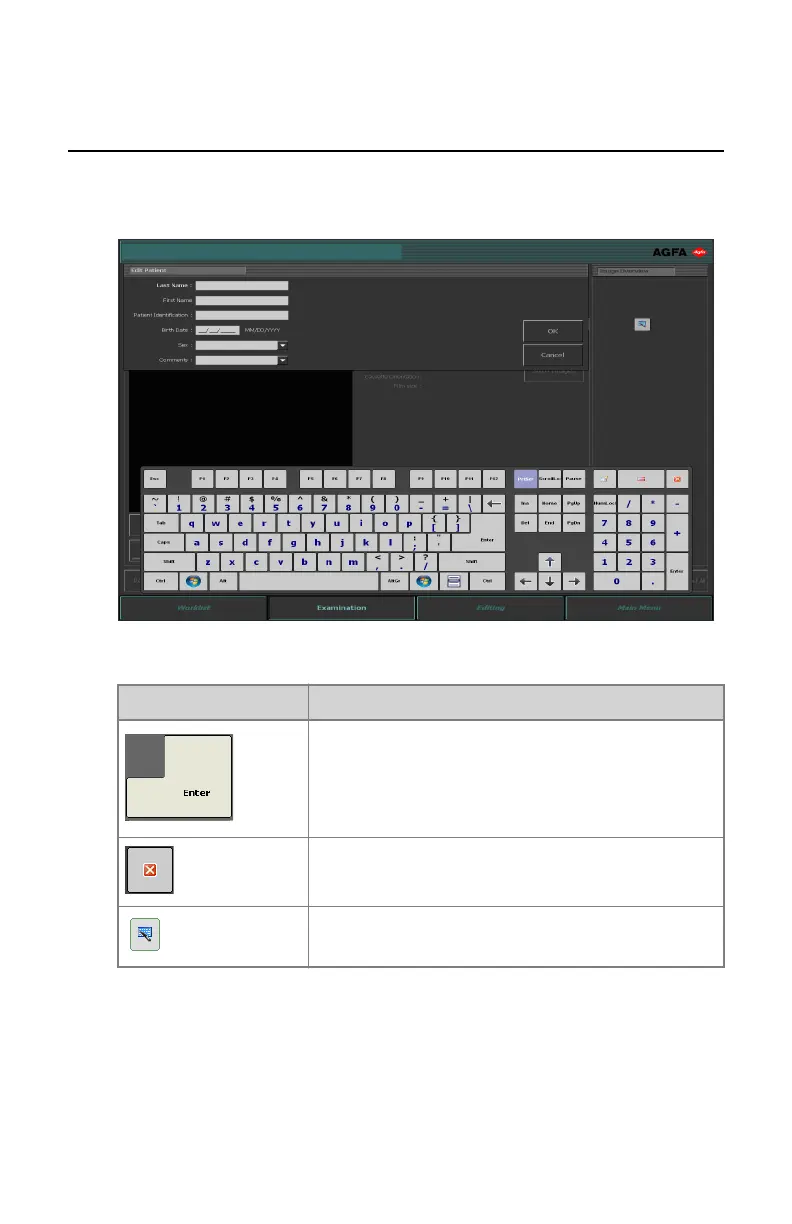
Using the ‘virtual keyboard’
When selecting a text field, the virtual keyboard is displayed:
Button Function
Enter button
Close button
Floating virtual keyboard button
After entering text, select another text field to continue typing or hide the
virtual keyboard by clicking the Enter button.
If the virtual keyboard is not displayed automatically or if the virtual keyboard
is in the way, click the floating virtual keyboard button.
DR 100e (Digital Radiography) | Basic Workflow | 83
0365B EN 20181015 0853



 To Next Page