Using a DAP meter
CAUTION:
The installation and maintenance of the DAP meter can be
performed only by authorized service personnel.
The function of the DAP meter is to measure the dose-area product (μGy.m
2
)
that is going out towards the patient, accumulated over all exposures.
1. Before starting the examination of a patient, reset the DAP value by
pressing the F1 and reset button simultaneously.
Figure 30: Reset the DAP value
2. Perform the examination by performing all exposures for the patient.
After each exposure, the DAP value is incremented by the measured dose.
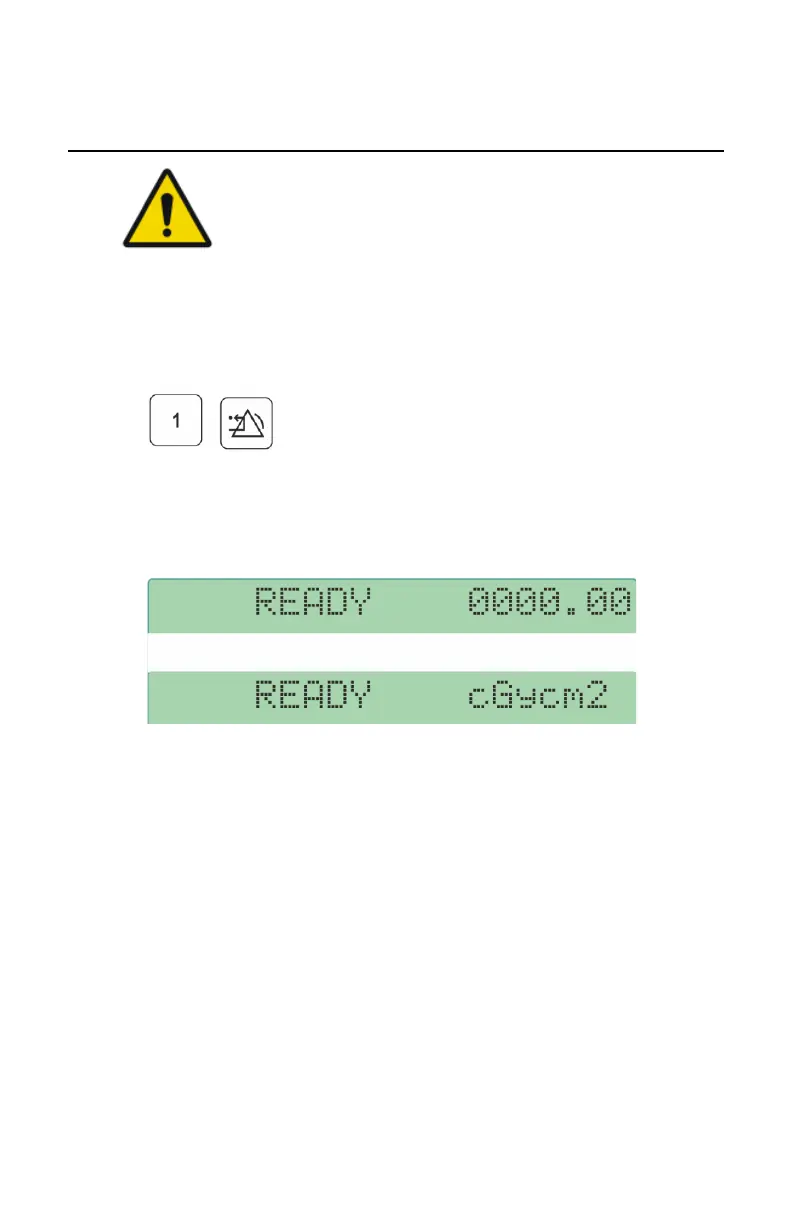
3. Read the accumulated DAP value on the first line of the display.
Figure 31: DAP value
DAP value on the NX workstation
The DAP value for each exposure is sent to the NX application and stored with
the image. A new exposure resets the DAP value.
DR 100e (Digital Radiography) | Advanced Operation | 87
0365B EN 20181015 0853



 To Next Page