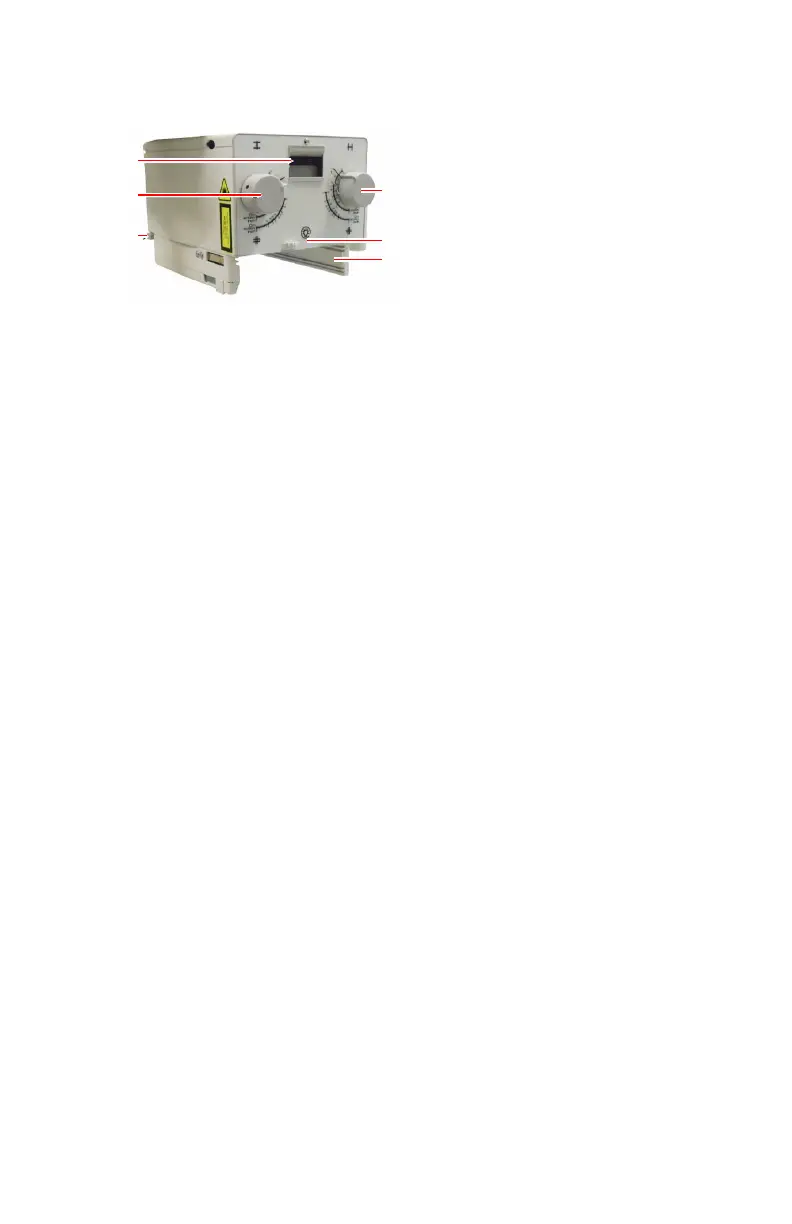
Manual Collimator
1.
Longitudinal collimation
2.
Button to switch on the light field indicating the collimated area and the
laser light indicating the center position.
After pressing the button, they remain lit for a few seconds before
automatically switching off.
3.
Rails to insert a DAP meter or a filter.
4.
Measurement tape to measure the distance between the focal spot of X-ray
tube and the tabletop.
The measurement tape is at the rear side of the collimator.
5.
Transversal collimation
6.
Filter selection.
Another button to switch on the light field is available on the X-ray generator
control panel.
26 | DR 100e (Digital Radiography) | Introduction
0365B EN 20181015 0853



 To Next Page