Selecting the exposure
1. At the NX workstation, select the thumbnail for the exposure in the Image
Overview pane of the Examination window.
The default X-ray exposure parameters for the selected exposure are sent
to the modality and displayed on the X-ray generator control panel. The
control panel can be used to set different exposure parameters.
The selected DR Detector is activated.
The DR Detector Switch shows which DR Detector is active and shows its
status.
• Flashing: starting up
• Green (constant): ready for exposure
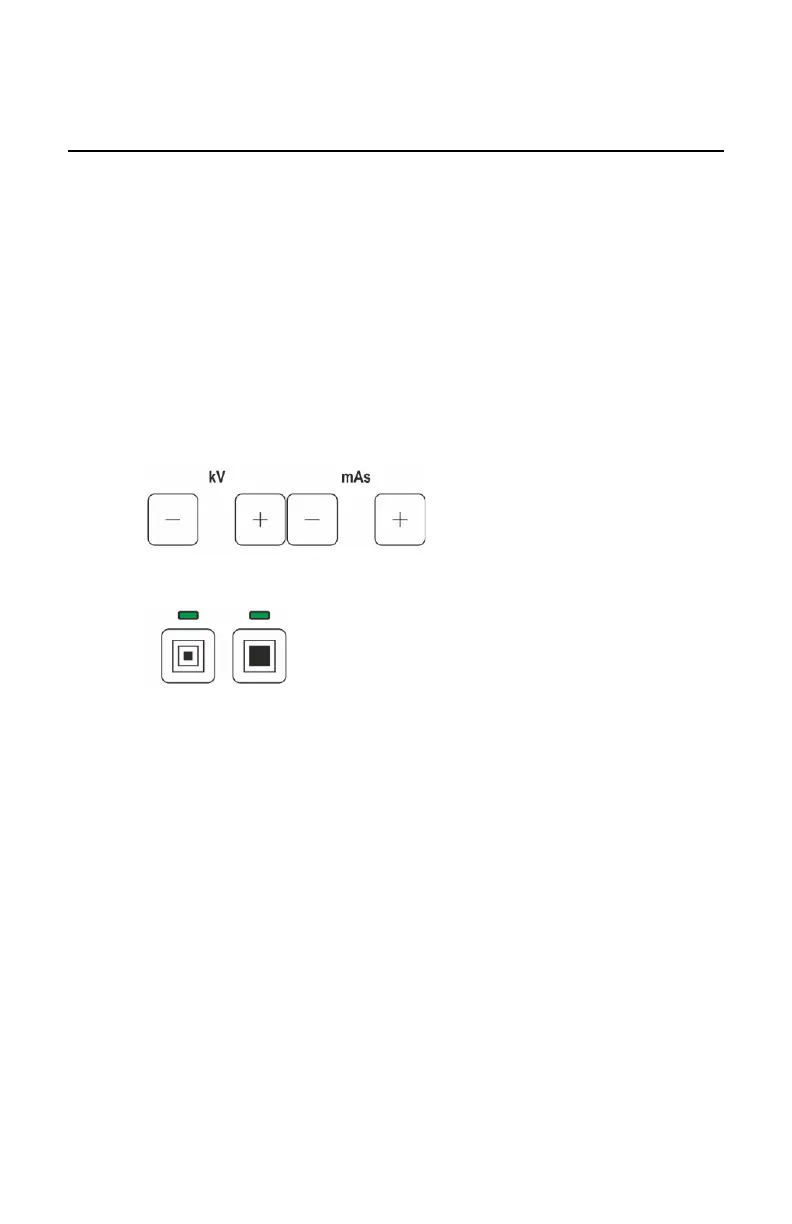
2. Adjust the exposure parameters.
Figure 22: kV and mAs
Figure 23: Small focus and large focus
Related Links
X-ray generator control panel on page 25
DR 100e (Digital Radiography) | Basic Workflow | 71
0365B EN 20181015 0853



 To Next Page