Starting the device
1. Unroll the mains cable from the cable reel and extend it completely.
2. Plug the cable into a mains power socket.
The mains power indicator lights up. If the mains power indicator does not
light up, check if the switch of the circuit breaker on the front panel of the
device is in position "I".
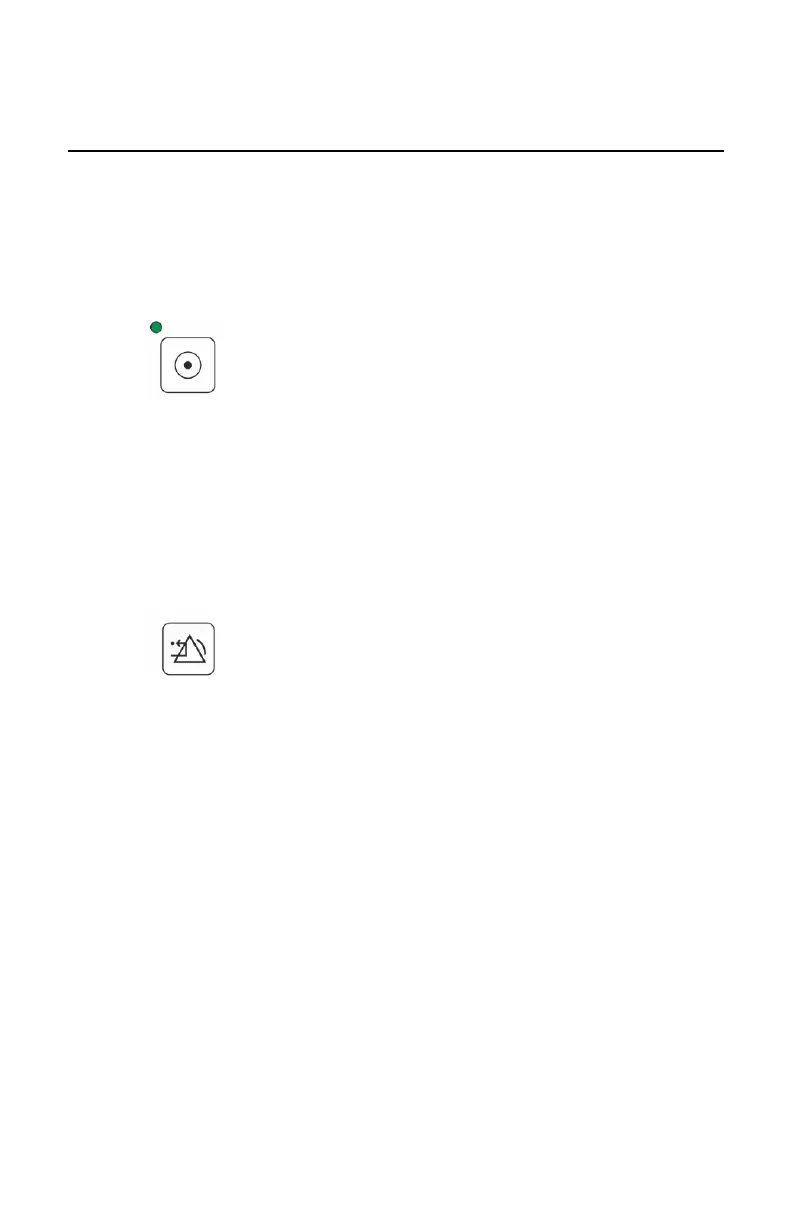
3. Press the power button.
Figure 20: Power on
During the startup sequence, a sound signal is heard and the display and
indicator lights light up.
If a DAP meter is present, the status of the DAP meter is displayed.
If the DAP meter is not present or not working properly, an error message
is dispayed. To continue the startup, press the reset button. The DAP meter
is inactive.
Figure 21: Reset
While the device prepares, the busy status is displayed. It may take up to two
minutes for the ready status to appear.
68 | DR 100e (Digital Radiography) | Basic Workflow
0365B EN 20181015 0853



 To Next Page