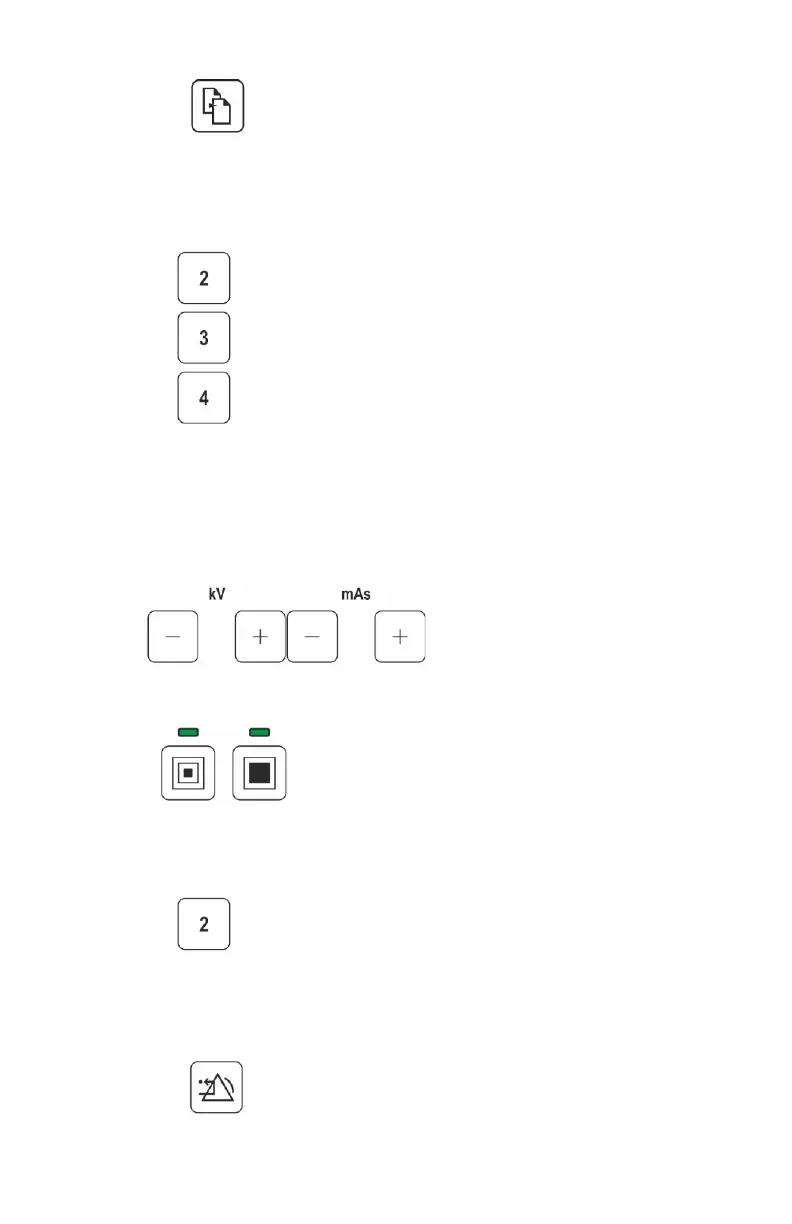
Figure 36: Scroll pages
d) Select an anatomic program by pressing the F2, F3 or F4 buttons,
corresponding to the line on the display containing the selected
program.
Figure 37: Select anatomic program
The selected anatomic group, anatomic program and exposure
parameters are displayed. The exposure parameters can still be
adjusted.
2. Adjust the exposure parameters.
Figure 38: kV and mAs
Figure 39: Small focus and large focus
• To return to the list of anatomic programs, press the F2 button.
Figure 40: Return to anatomic program list
• To leave the anatomic program and make a free exposure, press the
reset button.
Figure 41: Reset
90
| DR 100e (Digital Radiography) | Advanced Operation
0365B EN 20181015 0853



 To Next Page