Applications The Stability Application
256 Agilent 8163A/B, 8164A/B & 8166A/B Mainframes, Sixth Edition
How to Set Up a Stability Function
To set up a stability function:
1 Press the Appl hardkey. The Applications menu, as shown in Figure 146 ,
appears.
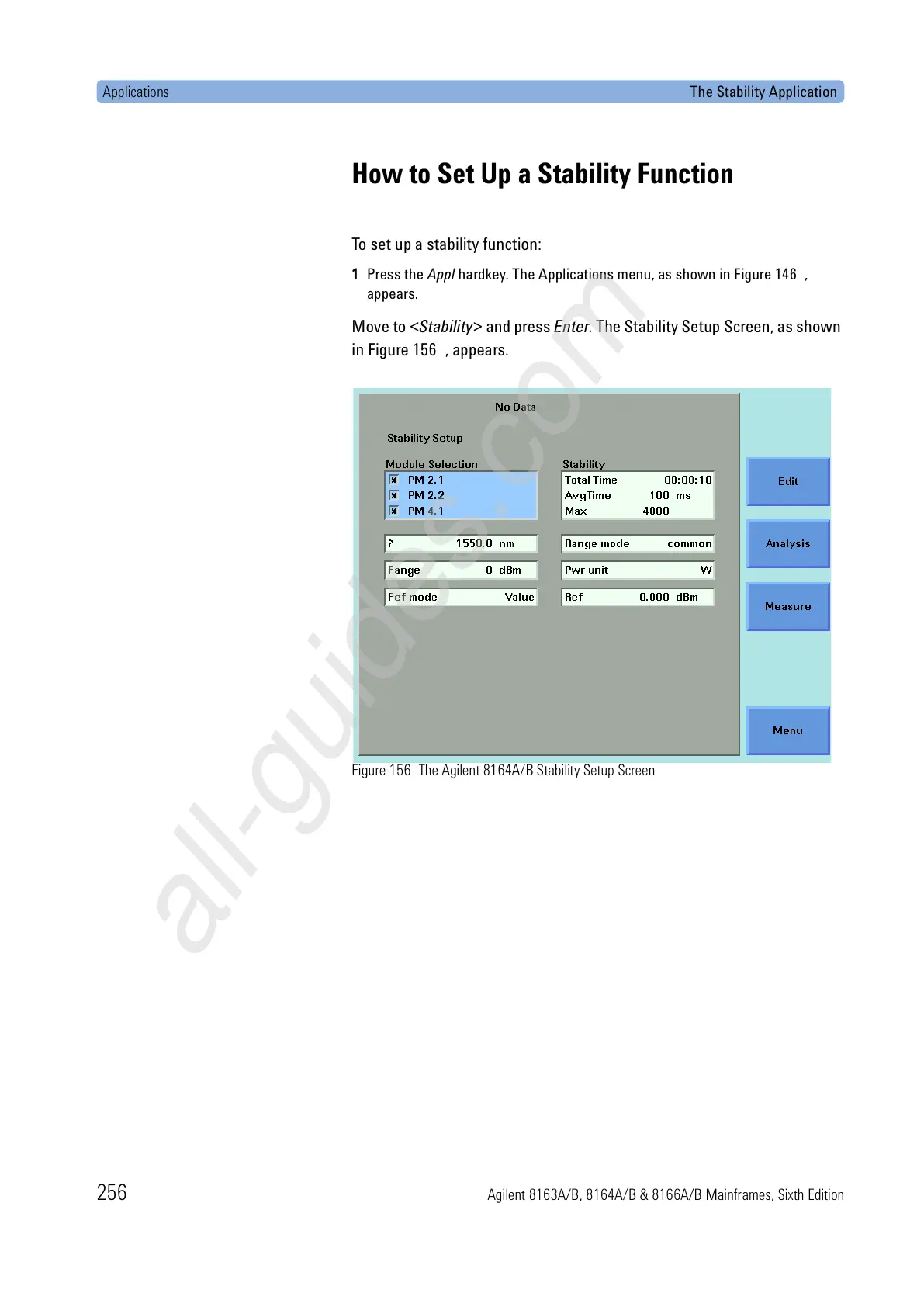
Move to <Stability> and press Enter. The Stability Setup Screen, as shown
in Figure 156 , appears.
Figure 156 The Agilent 8164A/B Stability Setup Screen









 To Next Page