2 General Power Meter Functions
76 N1913/1914A EPM Series Power Meters User’s Guide
Editing a Register’s Name
1 If you have not already done so, press , .
2 Use the and keys to select the required register and press
. The selected name is displayed in a pop- up window. Modify
this as required:
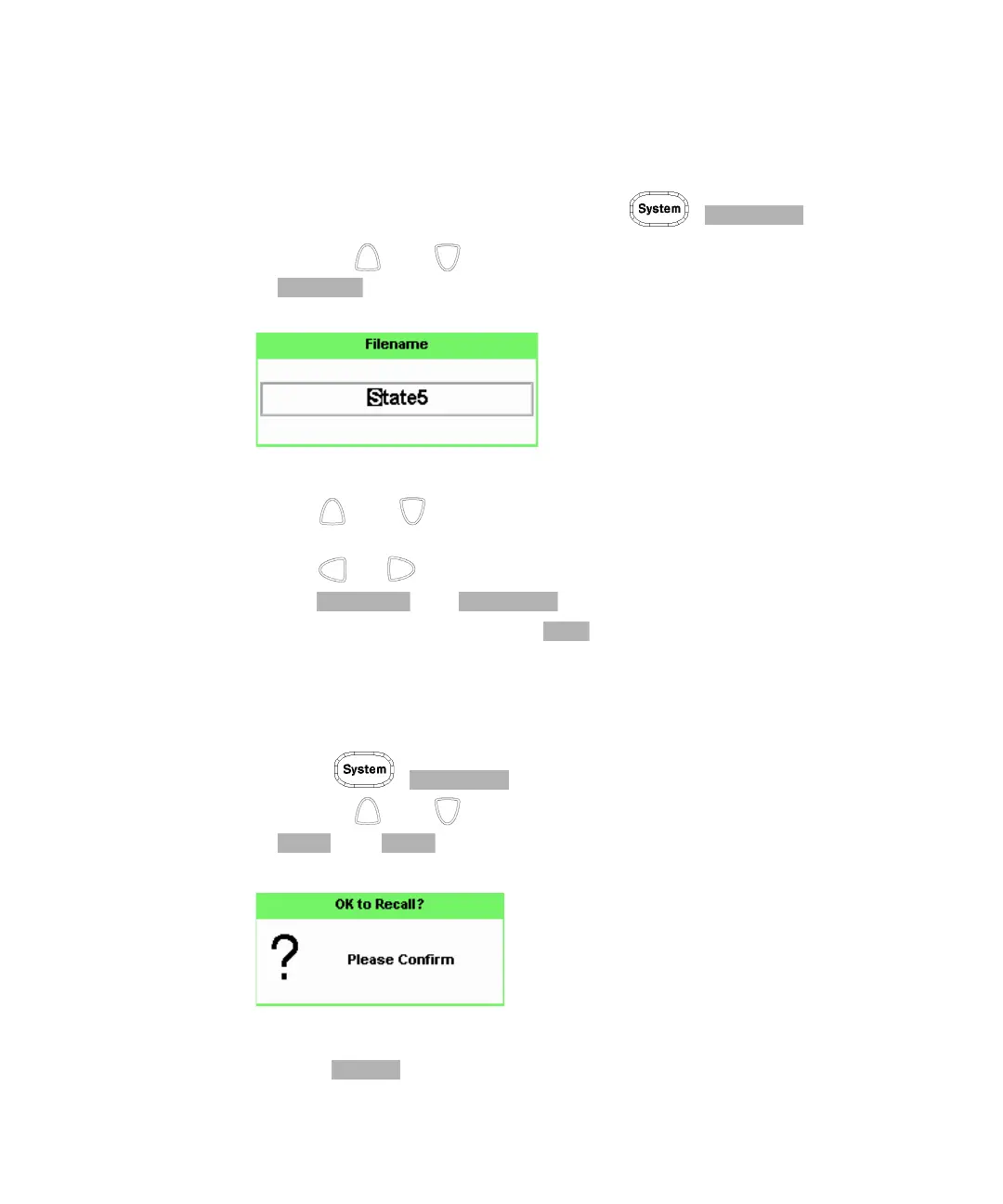
Figure 2-39 File name pop-up
3 Use and keys to modify the character on which the cursor is
currently positioned.
4 Use or to move to other characters.
5 Use and as required.
6 To confirm your choice press .
Recalling a Measurement Setup
1 Press , .
2 Use the and keys to select the required register and press
. The key is disabled (grayed out) when an unused register
is selected.
Figure 2-40 Recall pop-up
3 Press .



 To Next Page
 Loading...








