ProST Hardware Installation User Guide
Page 59 Commercial in Confidence UWB-D00111 Rev L
left and the black on the right.
The housing dovetails should be mated fully.
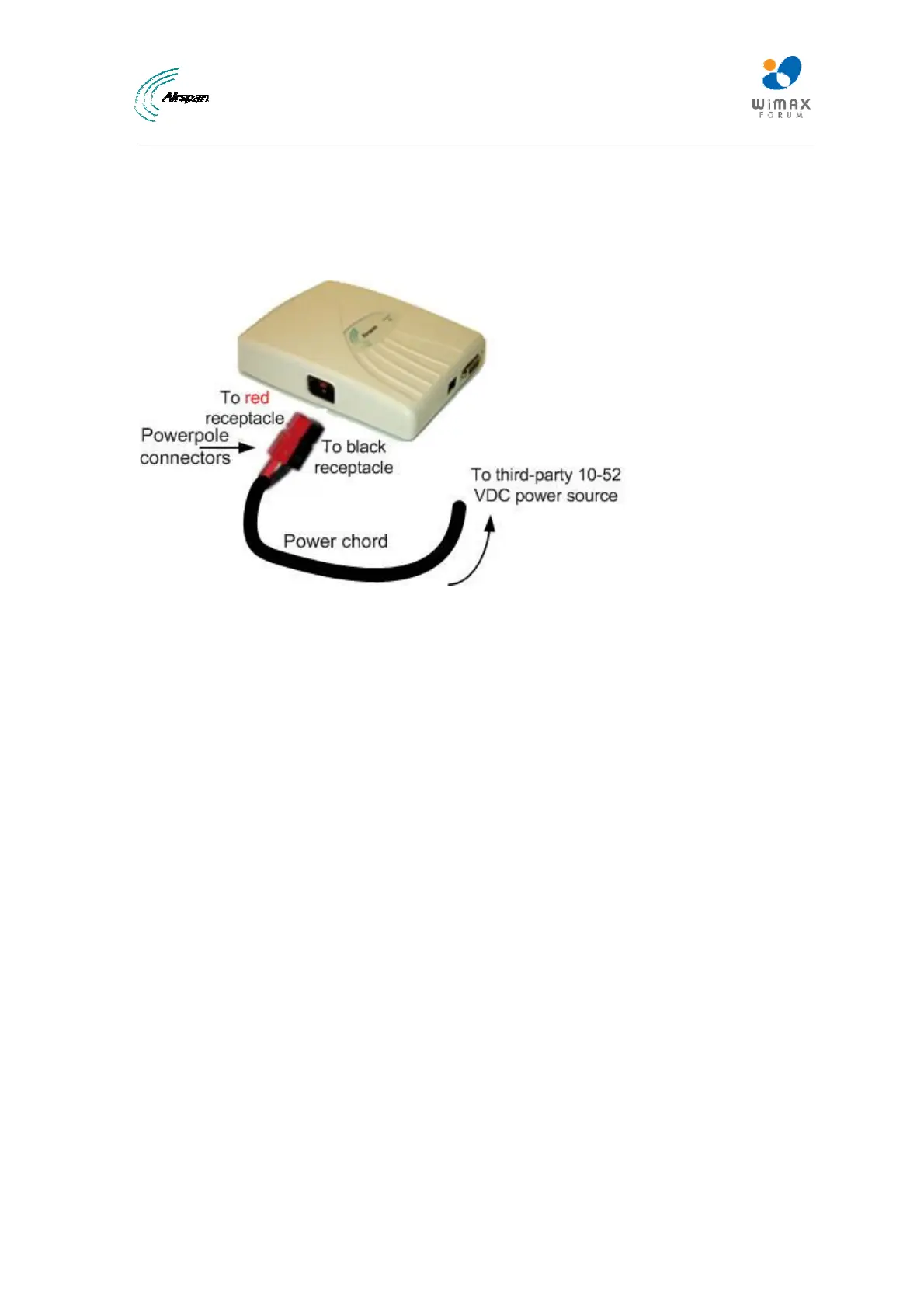
2. Connect the power connectors to the SDA-4SDC power receptacles so that the connectors'
color matches the receptacle's color, red to red (positive), and black to black (negative).
3. Connect the other end of the power cord to the third-party DC power source. Ensure that the
positive and negative sides are correct.
Figure50‐Connecttopowersource



 To Next Page