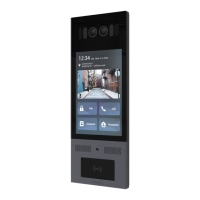
20.1. Integration via Wiegand
If you want to integrate the E16 series door phone with the third
party devices via Wiegand, you can configure the Wiegand on the web
interface.
1. Click Device > Wiegand > Wiegand
2. Set up parameters according to your need.
3. Click Submit tab for the validation and Cancel tab for the
cancellation.
Parameter set-up:
Wiegand Display Mode:select Wigand Card code format among


 To Next Page
 Loading...