— 65 —— 64 —
REMOTE ACCESS
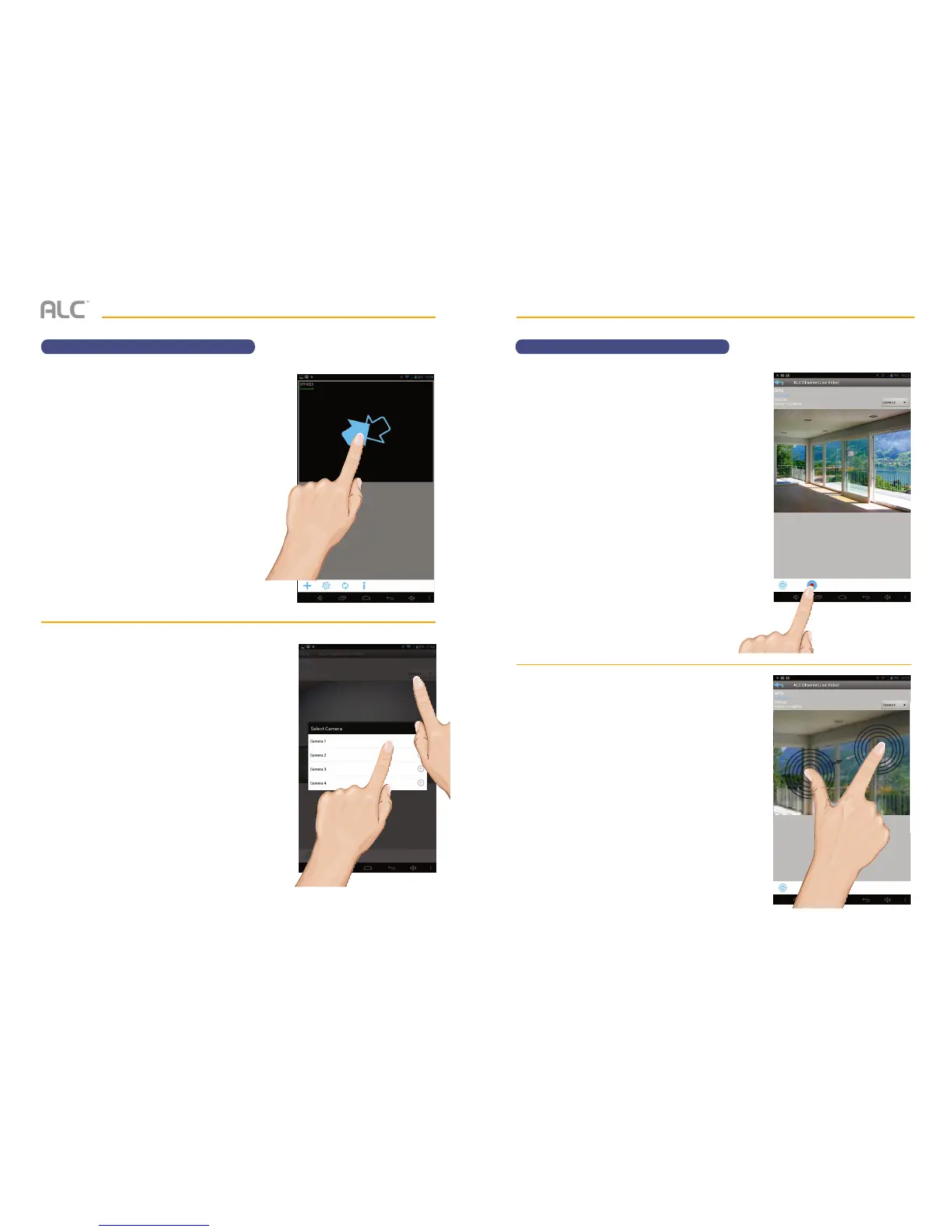
To View and/or Take Videos
u
From the main screen, tap to remote
view your camera system.
v
Select a camera by tapping the Camera
pull down menu (Camera 1 - 4).
REMOTE ACCESS
To View and/or Take Videos
w
Tap the Record icon to start recording.
The App will record for 2 minutes.
x
PINCH AND ZOOM: To zoom in or out
use the simple pinch and zoom gesture
with this app.


 To Next Page