6.3.1 Export configuration
Exports the current configuration of the entire application to a file ".cfg" (global configuration and
configuration of screens), this file is located in the folder "../SeRiFLY/Config/name.cfg" and its name will be
defined by the Export date.
6.3.2 Import Configuration
Displays a dialog to import the configuration from a ".cfg" file.
6.3.3 Use External SD (Class 10)
It allows to have the maps and elevation files on an SD card, it is essential that it is of class 10. To use the
Micro SD card we must follow these steps:
o Format the card in NTFS or FAT32 on our computer (preferably NTFS).
o With the card in our alfapilot we activate this option.
o We leave SeRiFLY and re-enter so that the folders are created on our card.
o If we connect our alfapilot to a PC, we should see a new memory unit, in it we will have created
the "SeRiFLY" folder that contains only the folders "Maps" and "Elevations".
o We can copy the maps and elevations files to their respective folders from our PC.
o We can also download the maps from our map manager (See section 6.7.6), these will be stored
in our Micro SD card.
6.3.4 Update SeRi Fly APP
Update the application to the latest stable version.
6.3.5 TEST BETA VERSION SeRi Fly APP
Update the application to the latest BETA version. The beta versions include new features that are in the
testing period, and may be more susceptible to contain an error or bug.
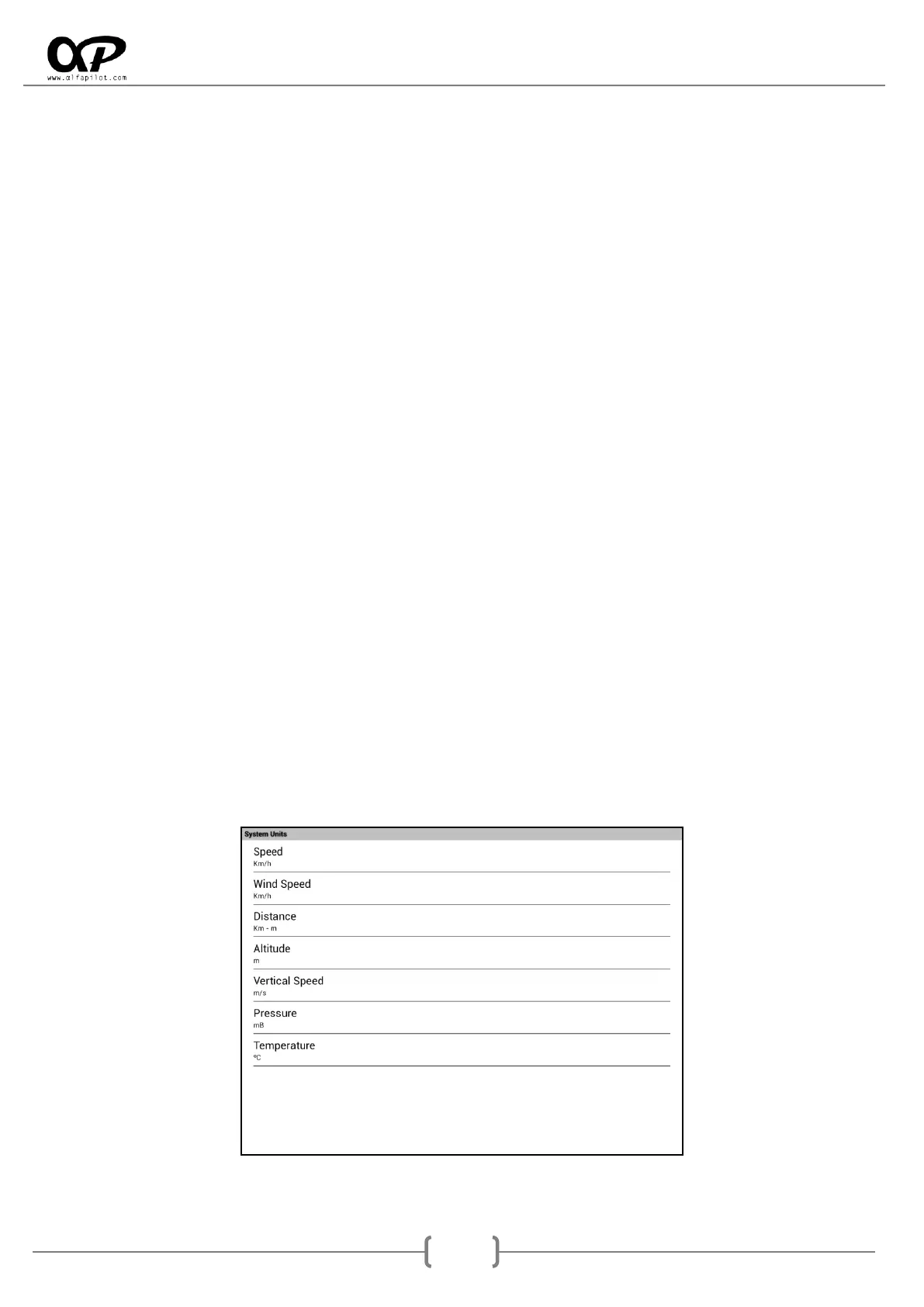
6.3.6 System Units
It allows to change the units shown in the widgets, between metric and imperial units.



 To Next Page