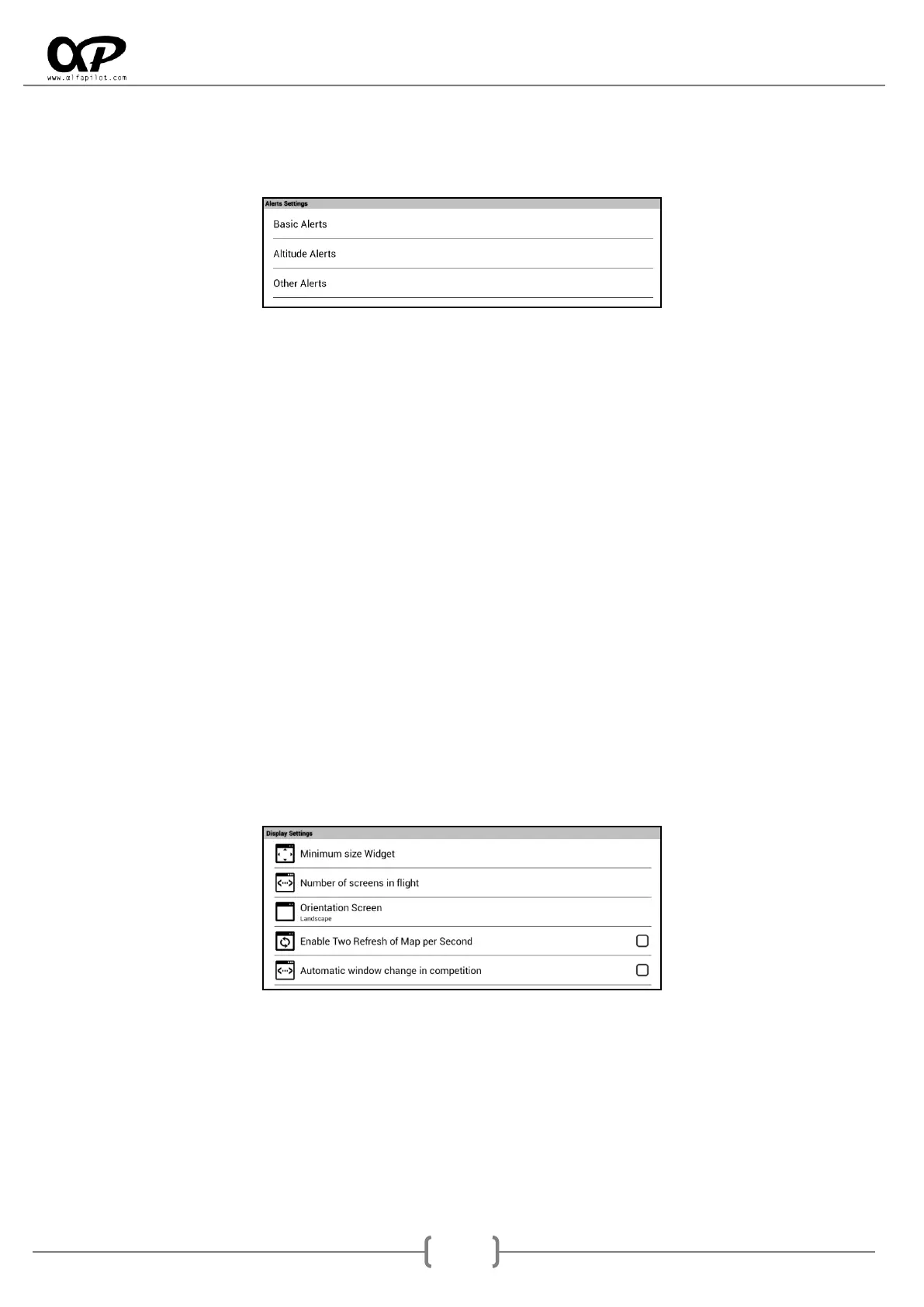
6.4.2 Alerts Settings
It allows us to establish different types of sound alerts for events. The format of the audio files must be
".ogg”
o Basic Alerts, different sounds can be assigned for takeoff, waypoints, Start Point, End Speed Section
and Landing.
o Altitude Alerts, You can activate or deactivate the alert, set the limit altitude and its respective
sound. In flight once reached this altitude the alert sounds, once we descend 100m below the
altitude limit the alert will be activated again.
o Other Alerts, You can activate or deactivate the "Glide to Final" alert, its sound and the glide ratio
required for the alert (see section 7.5). In flight once the necessary glide ratio to reach the final is
less than the configured value, the alert will sound.
6.4.3 Set Max Volume at Start SeRi FLY
Activating this option, will set the global volume of the system to the maximum every time we start SeRi
Fly. If it can show a warning message of high volume (To avoid this message we advise to update the
firmware to the latest version, check our web page for support the steps to update).
6.4.4 Mute Vario when not fly
Activating this option, the sound of the vario will be silenced whenever we are not in flight. This prevents
that in case of having activated ZeroBand the vario is sounding continuously on takeoff or after landing.
6.5 Display Settings
6.5.1 Minimum size Widget
It allows to establish the minimum size of the Widget*, it is possible to set the "Minimum height" in
number of rows as well as the "Minimum width" in number of columns. We advise that these values are
not inferior to "2 rows x 3 columns", since when adding a Widget for the first time this will be the preset
size, and if the size is very small it will be difficult to resize it.
* Data fields on the flight screens.



 To Next Page