6.5.2 Number of screens in flight
Allows you to set the number of screens up to a maximum of 5 for each flight mode. Each screen can have
different widgets and sizes (see section 7.6).
6.5.3 Orientation Screen
We can choose the Orientation of the screen, between Horizontal, Horizontal Inverted, and Vertical, to
adapt it to our cockpit in the most appropriate way.
6.5.4 Enable Two Refresh of Map per Second
This will make the map smoother more fluid (twice per second), but it also increases battery consumption.
6.5.5 Automatic window change in competition
Activating this option, in the Competition mode, the screen change will be automatic, following this order:
o Screen 1: It will remain active until we reach the Start Point.
o Screen 2: It will remain active until we reach the necessary glide to GOAL or until the next
WayPoint is the ESS (End Speed Section).
o Screen 3: It will remain active until reaching the GOAL.
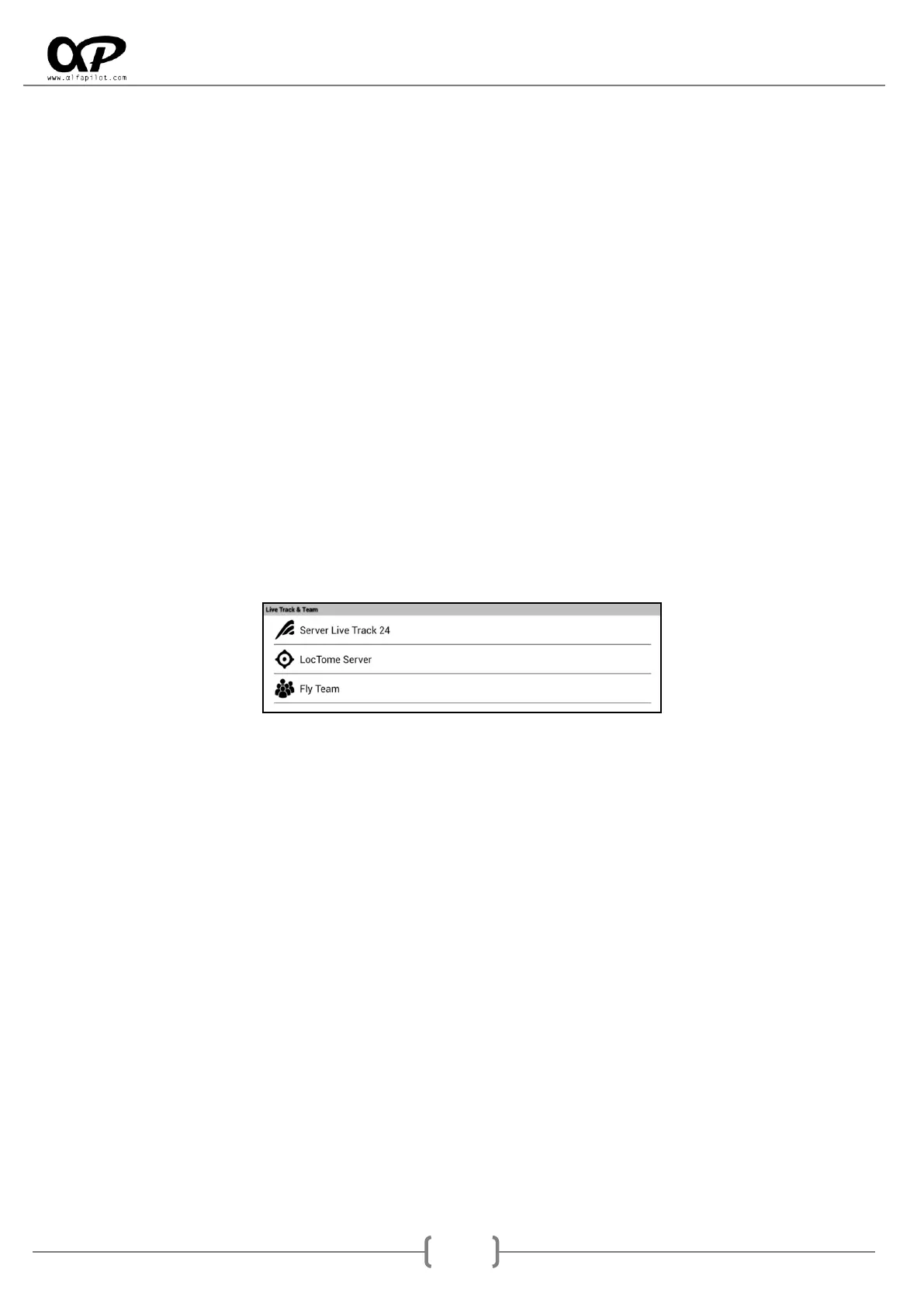
6.6 Live Track & Team.
6.6.1 Server Live Track 24
Url for Send Data: The default value is "http://t2.livetrack24.com" it should not be changed unless
you want to send the information to another server compatible with LiveTrack24.
User: Our user name for LiveTrack24 server.
Password: Our password for LiveTrack24 server.
Time Interval (Sec.): It allows us to indicate how often the positions are sent..
Enable Live Track 24: It allows us to activate or deactivate the Live Track function.
6.6.2 Server LocTome
Url for Send Data: The default value is "Http://ts.loctome.com" it should not be changed unless you
want to send the information to another server compatible with Loctome.
User: Our user name for LiveTrack24 server.
Password: Our password for LiveTrack24 server.
Time Interval (Sec.): It allows us to indicate how often the positions are sent..
Enable Loctome: It allows us to activate or deactivate the Live Track function.



 To Next Page