7.6.1 Add/Remove Widgets
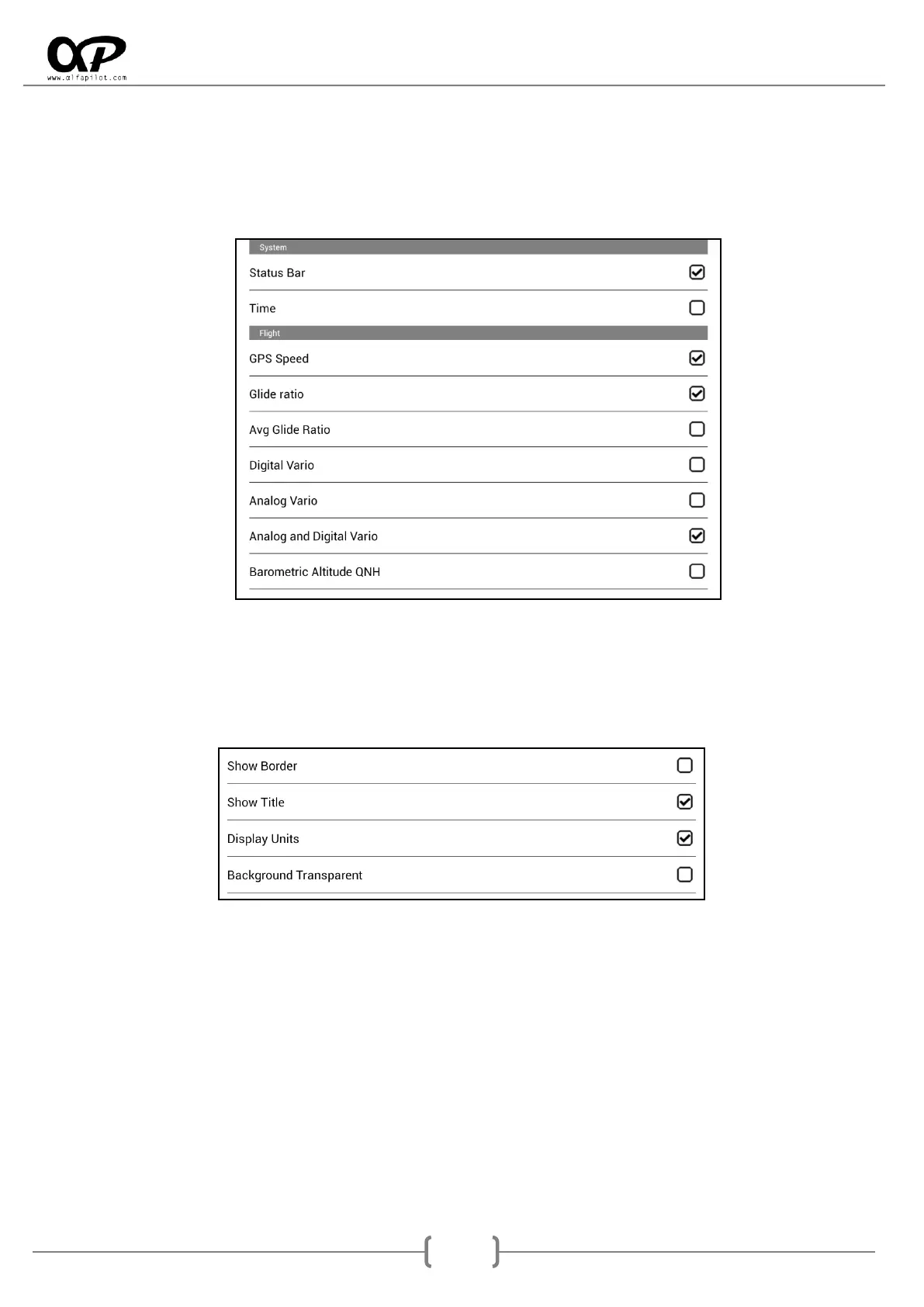
It will show a list of widgets available for flight mode where we are. We can add new widgets or remove
existing. When adding a new widget appears on a predefined location, if this widget has been defined
previously it will appear in their previous location. When adding a new widget that was never defined, it
will be established with the minimum size defined in the settings. (see section 6.5.1).
7.6.2 Basic Configuration of Widgets
By double-tap on the center of the Widget it shows us a list of its configurations. There are elements
common to all the Widgets, such as:
Show Border: Activate or deactivate the border for this widget.
Show Title: Activate or deactivate the Title at the top of this widget.
Display Units: It will show or not the units of that widget to the right of its value.
Background Transparent: It will make the background of the transparent or opaque widget, for
example when a widget is over the map.



 To Next Page