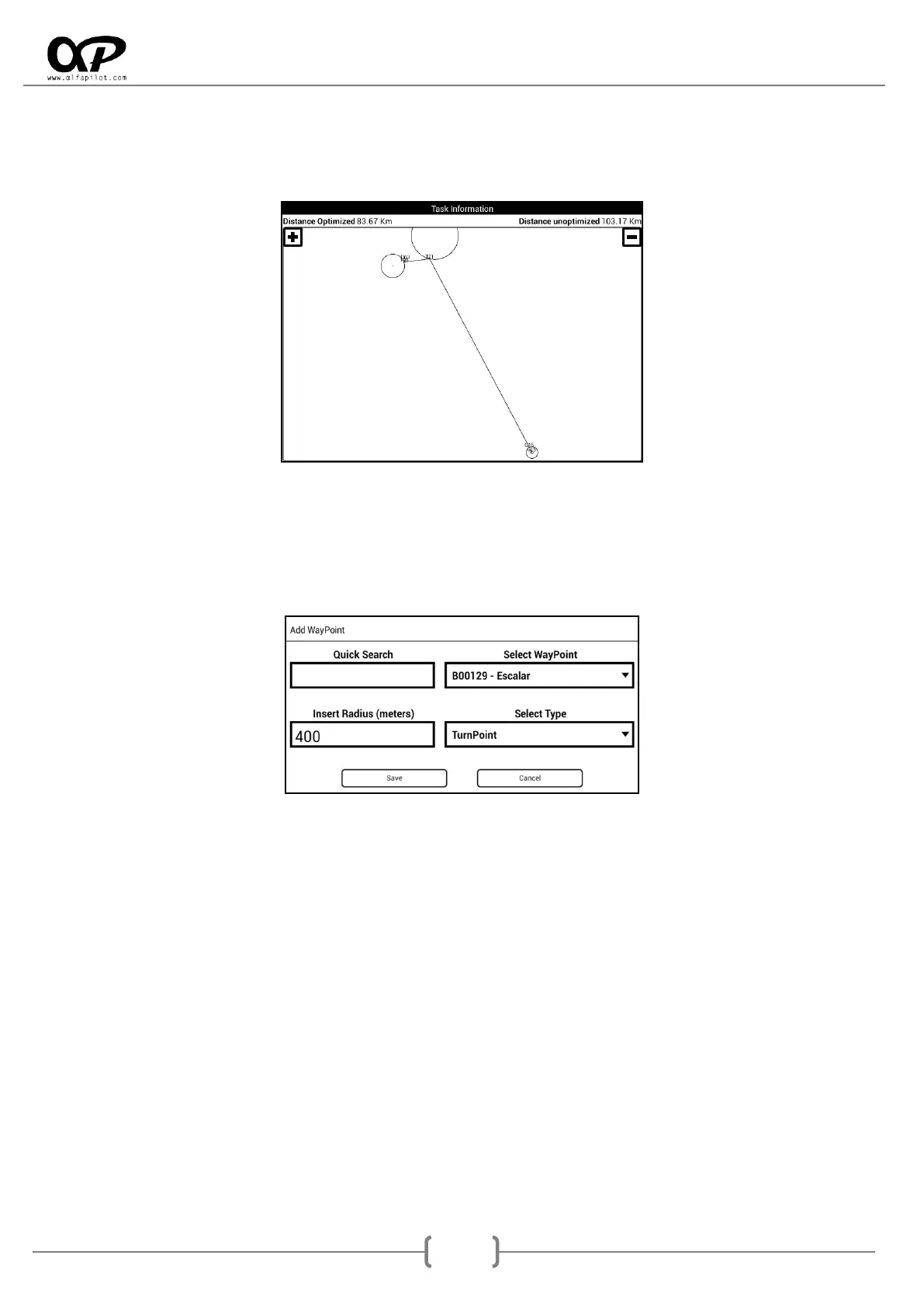
Task Information: After entering the values of the task, we will show the optimised and
unoptimized distance of the task. A graphic with WayPoints, optimal points, and more, that allows
us to move by click and drag in the central zone, as well as zoom in or zoom out by clicking on the
icons "+" y "-".
7.5.3 Add - Edit WayPoint
This is a common element for both Managing Routes and Tasks. It allows us to add a new WayPoint to the
Route or Task, it is necessary to have an active WayPoint package to perform this action (see section 6.7.2).
It has the following fields:
Quick search: It allows us to perform a quick search of the Waypoint, introducing their first
characters. As we introduce the characters will be updated the list of Waypoints, limited to the
Waypoint that begin with the text entered.
For example if we introduce "a" the list will contain all Waypoint that begin with "a", if we
introduce "a0" the list will contain all Waypoint that begin with "a0"... If no exist waypoints that
begins with the text entered, it will show "vacio".
Select Waypoint: Displays the list of available Waypoint, they can be limited by the text entered in
Quick Search. If no entered any character on Quick search, the list contains all waypoints available.
Insert Radius: Can introducing the radius of waypoint.
Select Type: It's the type of WayPoint we want to do, in the case of a competition with "TurnPoint
Out", select "TurnPoint" and this will be automatically detected as "TurnPoint Out".



 To Next Page