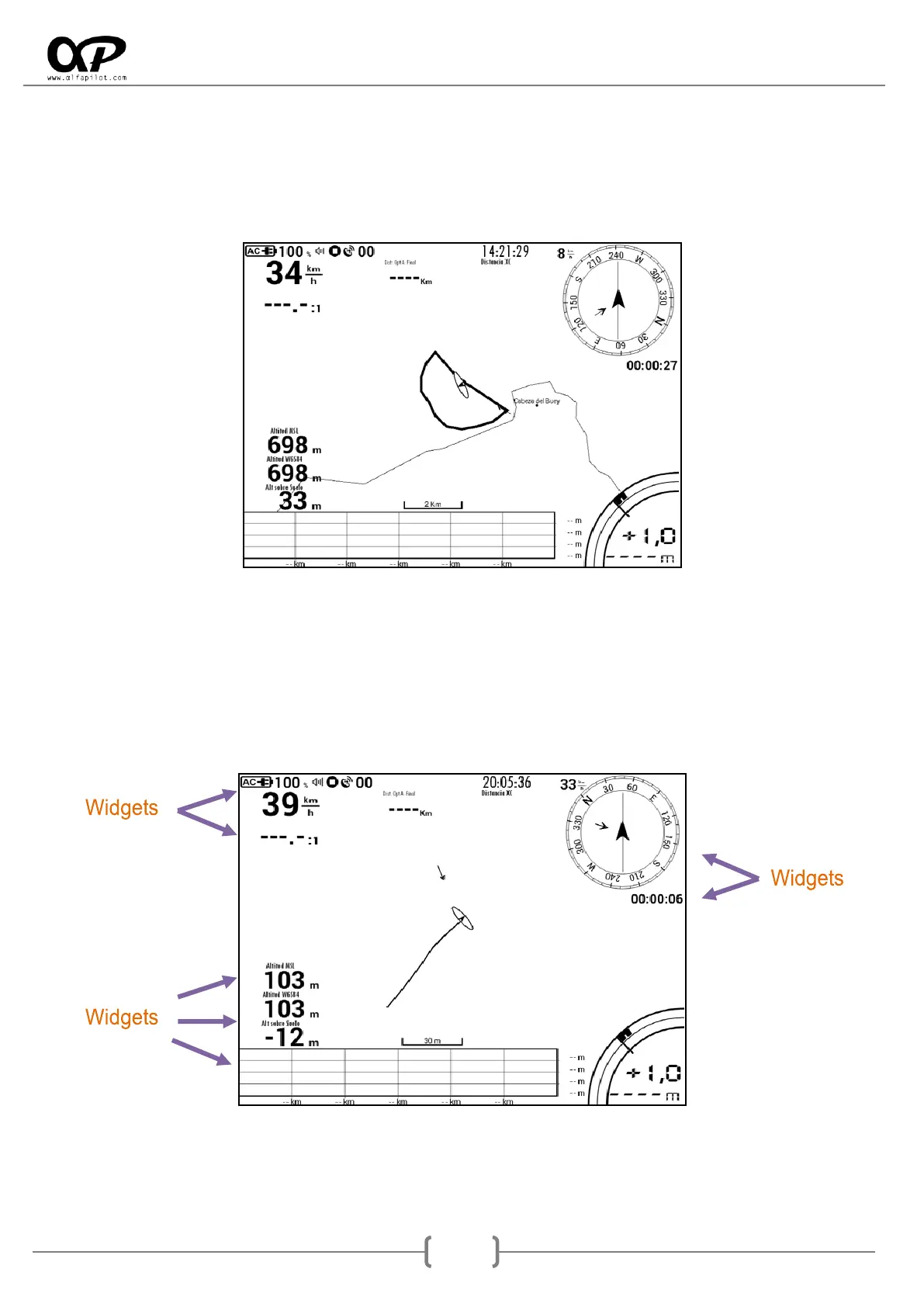
7.2 Flight Screen
When choosing a modality this will start, and we present your screen or flight screens, the number of
screens will depend on this configuration (see section 6.5.2) if we have indicated several screens, we can
alternate between them using the side buttons. On the flight screen we will have Widgets, as well as access
to different options through the Menu Button.
7.3 Widgets
They are data fields that show us the flight information, each one of them has individual configurations, to
show or hide certain information (Border, Title, Units, etc.), you can also resize and change its location, all
through the Screen Edition (see section 7.6).



 To Next Page