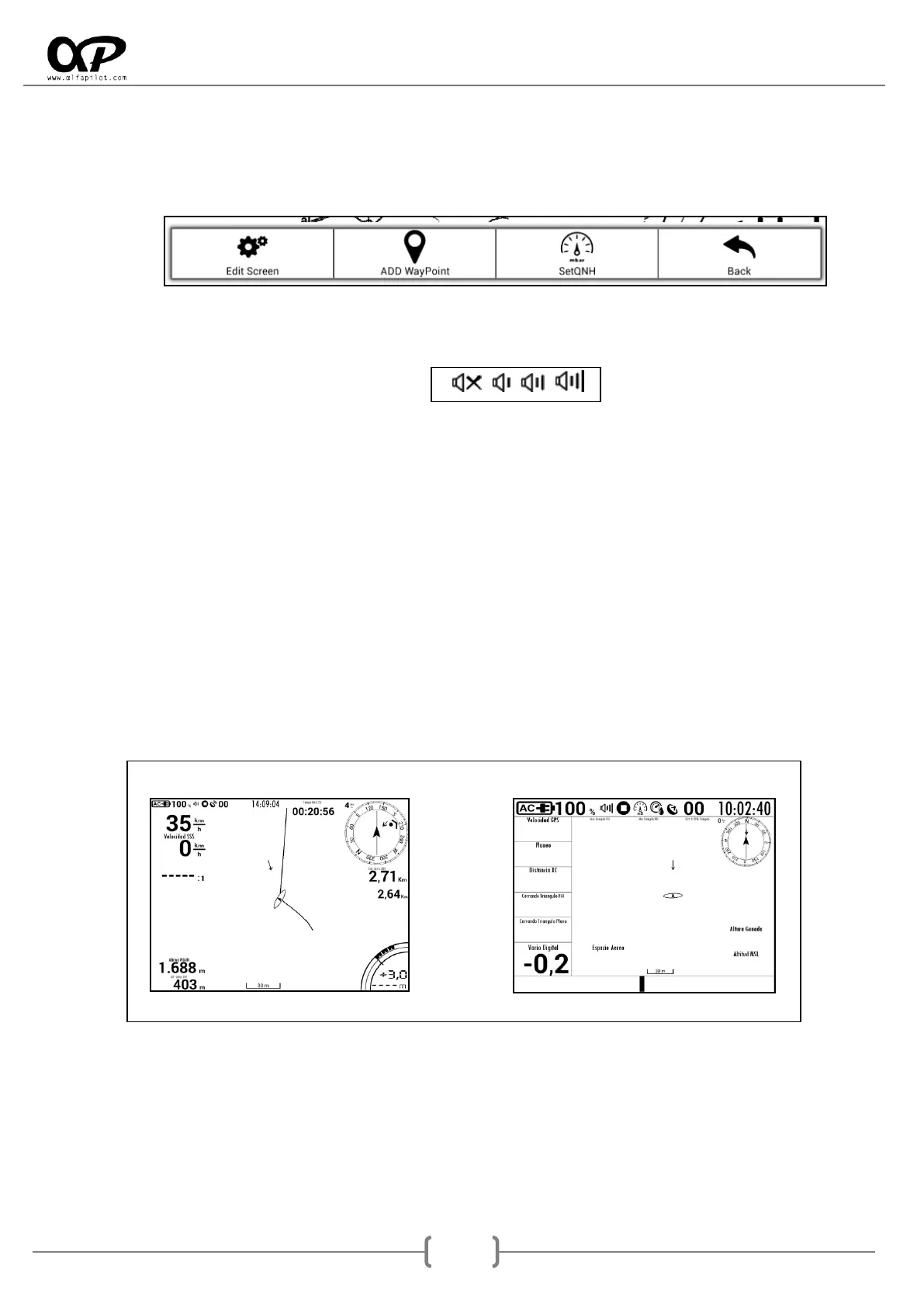
Menu Button
o Short Press, open the flight menu, offering different options that may vary depending on
the flight mode or if we are playing a flight.
o Long Press, modifies the volume of the Vario, alternating between 0% -> 33% -> 66% ->
100%, the current volume level is displayed in the status bar, by means of an icon.
Back Button
o Short Press, Open the Flight Manager (see section 8).
Laterals Buttons*
o Short Press, controls the Zoom on the map, allowing zoom in or out.
o Long Press: Make the screen change to the next or the previous one, on a rotating basis,
once we reach the last screen it will return to the first one, and it depends on the number
of screens that we have configured (see section 6.5.2).
* The function of these buttons can be reversed (see section 6.9).
Screen <1> Screen <2>



 To Next Page