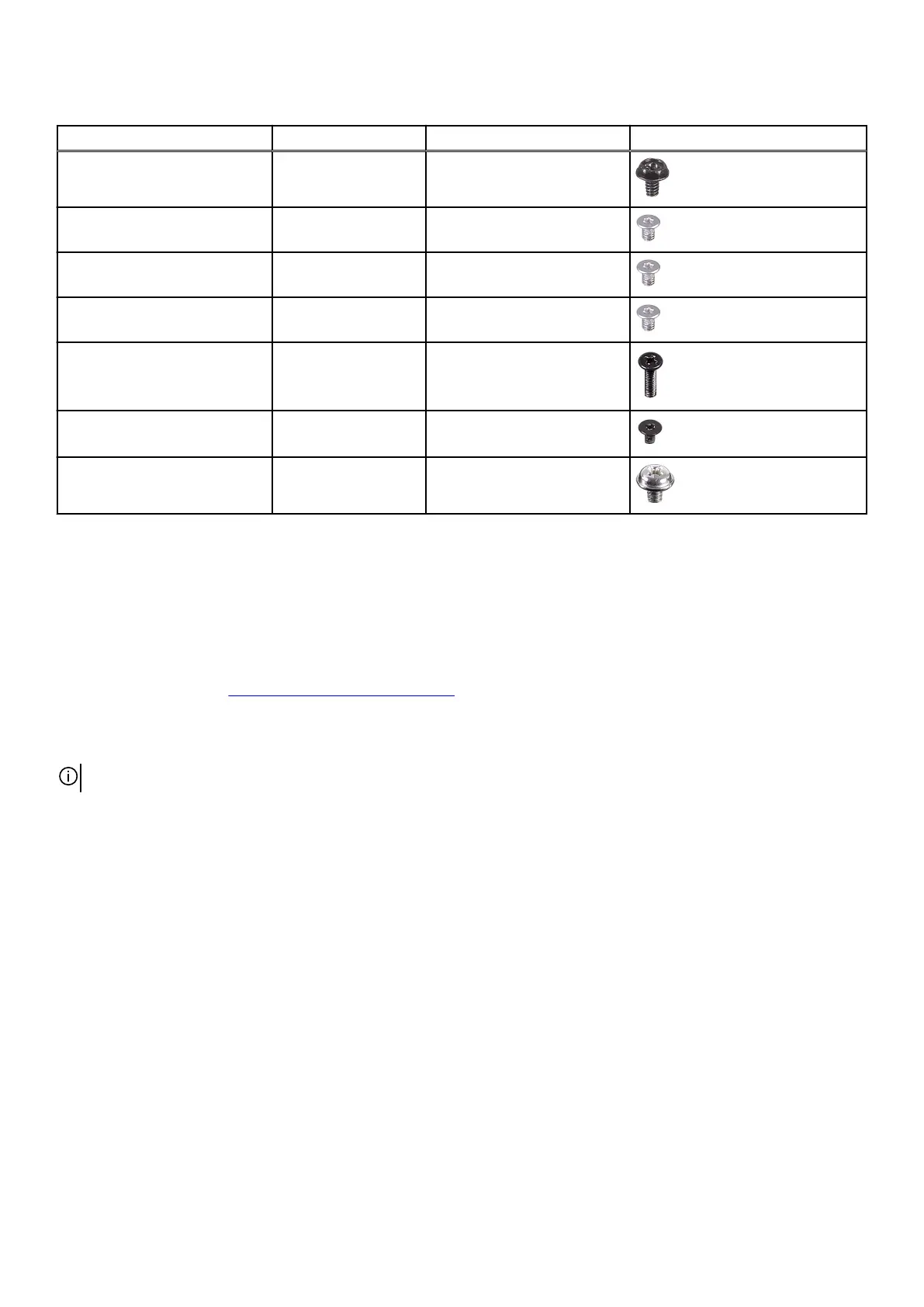
Table 1. Screw list (continued)
Component Screw type Quantity Screw image
Top bezel #6-32x1/4" 2
Solid-state drive (M.2 slot one) M2x3 1
Solid-state drive (M.2 slot two) M2x3 1
Wireless card M2x3 1
Front AlienFX LED board M3x8 4
Power-button board M2x3 1
System board #6-32x1/4" 10
Cable cover
Removing the cable cover
Prerequisites
1. Follow the procedure in Before working inside your computer.
About this task
The following image indicates the location of the cable cover and provides a visual representation of the removal procedure.
NOTE: The cable cover is an optional accessory.
13















 To Next Page