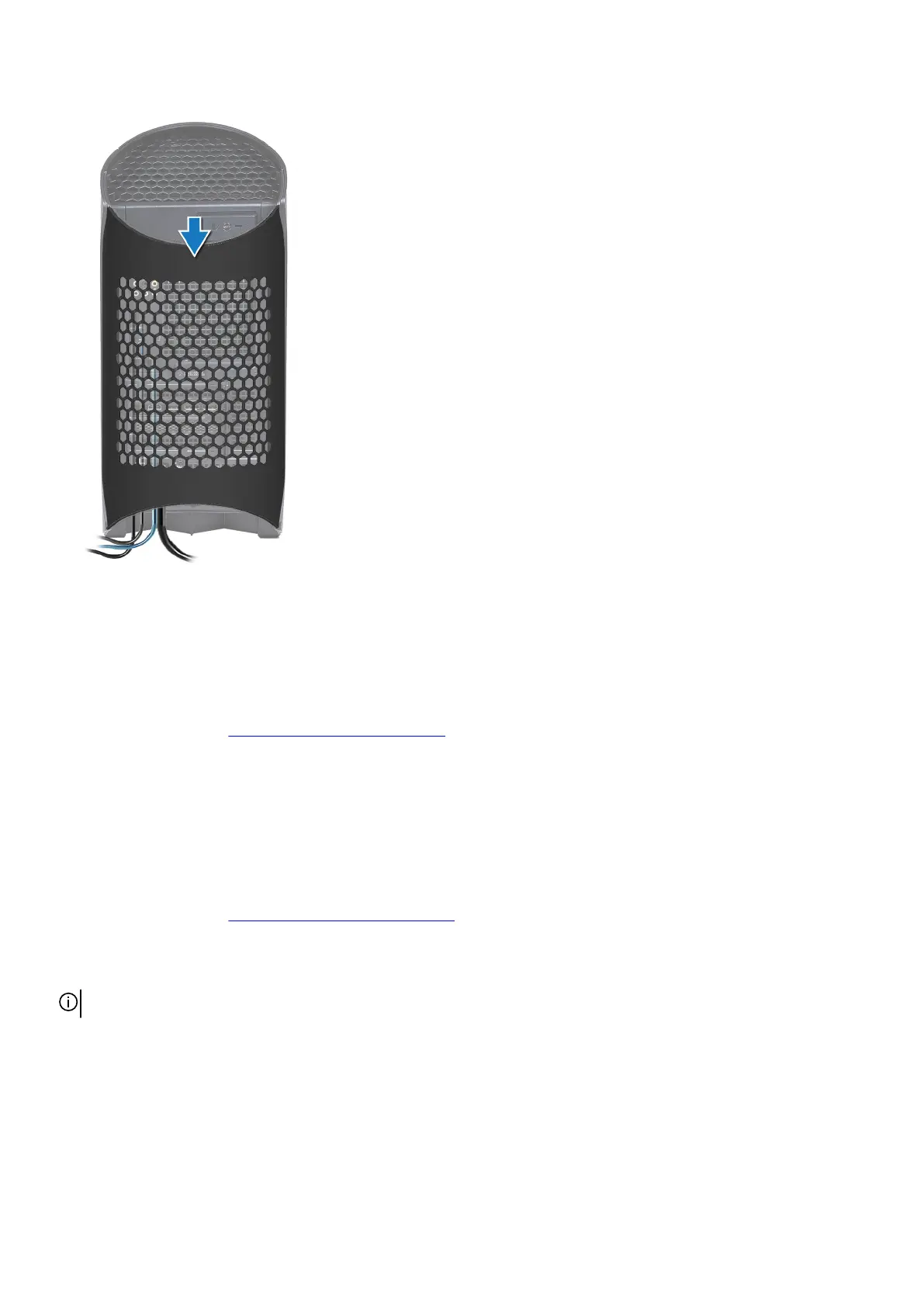
Steps
1. Align the cable cover with the slots at the rear of the chassis.
2. Slide the cable cover back into its place on the rear of the chassis.
Next steps
1. Follow the procedure in
After working inside your computer.
Left-side cover
Removing the left-side cover
Prerequisites
1. Follow the procedure in Before working inside your computer.
About this task
The following images indicate the location of the left-side cover and provide a visual representation of the removal procedure.
NOTE: The clear left-side cover is shipped with some computers.
15















 To Next Page