Steps
1. Lay the computer on the right side.
2. Press the battery-release lever away from the coin-cell battery until the coin-cell battery pops up.
3. Lift the coin-cell battery out of its socket.
Installing the coin-cell battery
Prerequisites
If you are replacing a component, remove the existing component before performing the installation procedure.
About this task
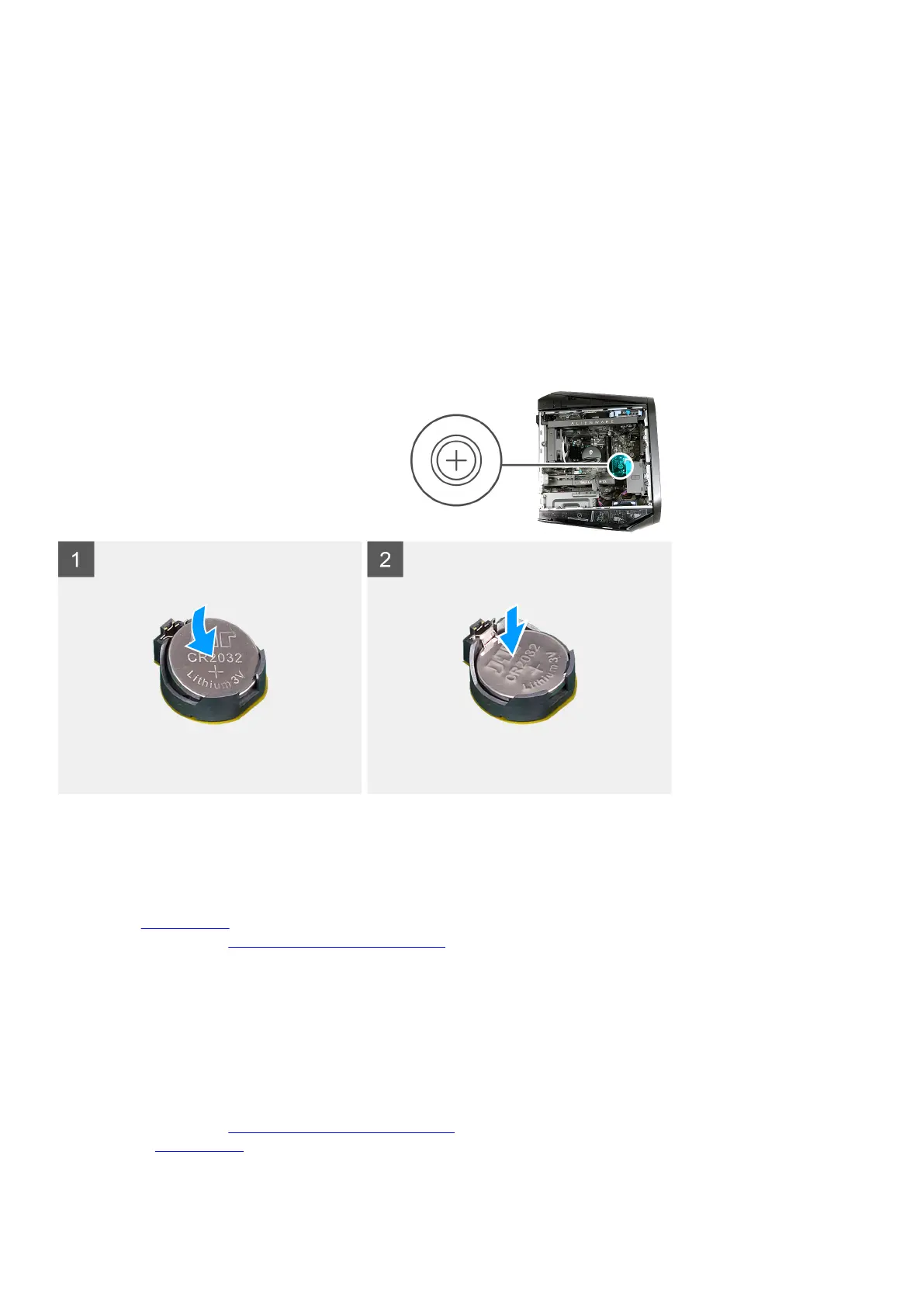
The following images indicate the location of the coin-cell battery and provide a visual representation of the installation procedure.
Steps
Insert the new coin-cell battery (CR2032) into the battery socket with the positive side facing up, and snap the battery into place.
Next steps
1. Install the left-side cover.
2. Follow the procedure in After working inside your computer.
Memory modules
Removing the memory modules
Prerequisites
1. Follow the procedure in Before working inside your computer.
2. Remove the left-side cover.
38















 To Next Page